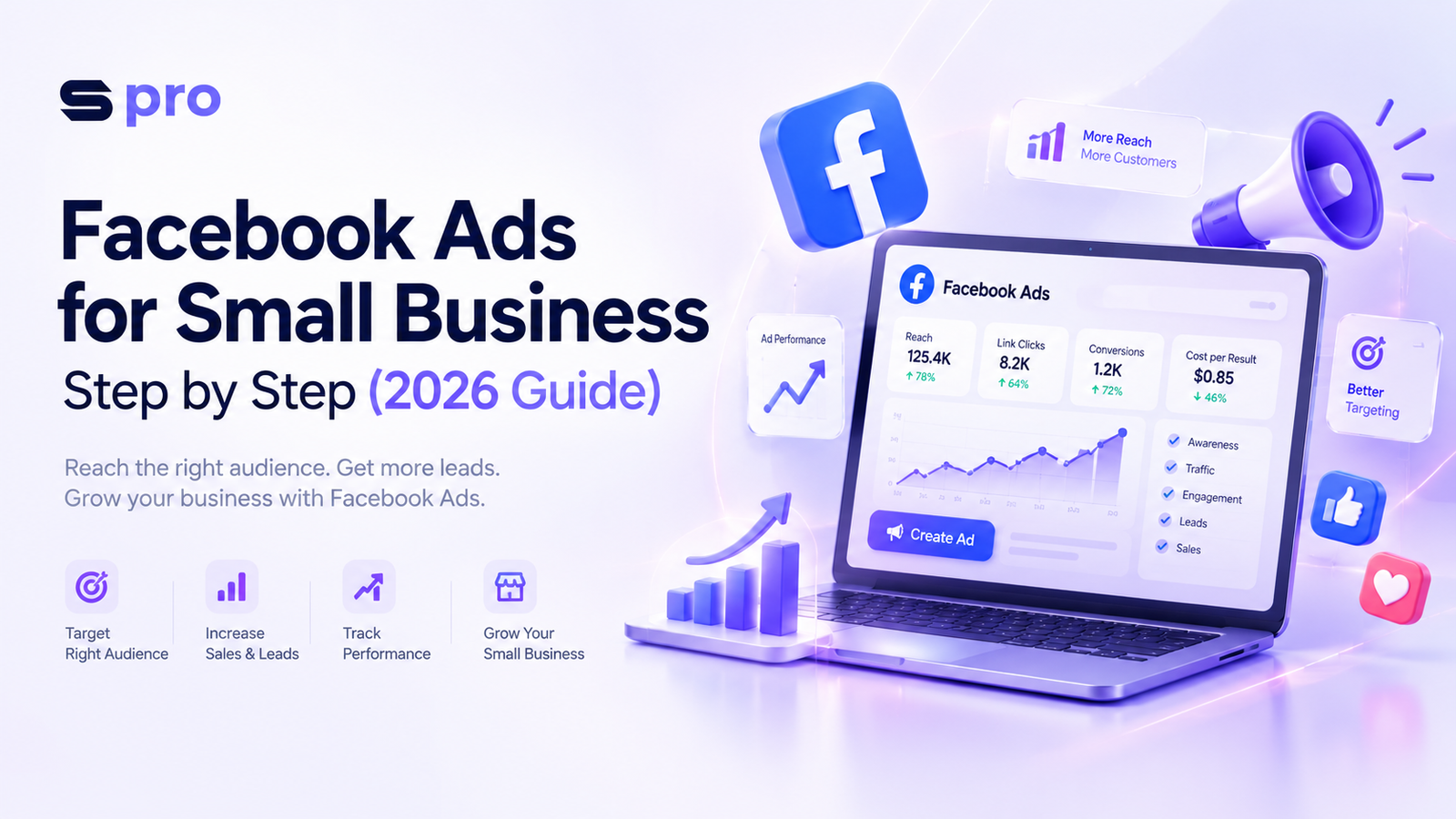
Running paid social campaigns can feel overwhelming when working with limited resources. If you are learning how to set up facebook ads for small business step by step, you are in the right place. Modern digital advertising requires a deliberate approach rather than guessing settings or hitting the “Boost Post” button.
In 2026, Meta’s advertising ecosystem relies heavily on artificial intelligence, automated machine learning, and simplified campaign structures. You do not need a massive monthly budget to compete. With a strategic low budget facebook ad strategy, small businesses can outsmart larger competitors by delivering highly relevant, local, and targeted messages to qualified buyers.
This practical guide walks you through setting up your first high-converting campaign using Meta Ads Manager. Whether you run an e-commerce store, a local service business, or a coaching practice, this step-by-step tutorial gives you actionable workflows to turn ad dollars into consistent customer acquisition.
Pre-Launch Checklist: Account Setup & Tracking
Before launching your first campaign in this meta ads manager beginner tutorial, you must set up your foundational assets. Skipping these steps leads to wasted ad spend and untracked sales.
1. Establish Meta Business Suite
Do not create ads from a personal profile. Set up a dedicated Meta Business Suite account to manage your Facebook Page, Instagram account, ad accounts, and team permissions in one secure portal.
2. Connect Your Assets
Link your professional Facebook Page and Instagram Business account inside your business settings. This enables cross-platform ad placements across Facebook Feeds, Instagram Reels, and Stories.
3. Install the Meta Pixel & Conversions API
The Meta Pixel tracks visitor activity on your website. Pair it with the Conversions API (CAPI) for server-side tracking. Server-side tracking protects data accuracy against browser ad blockers and privacy updates.
Pro Tip: If you use Shopify, WooCommerce, or WordPress, connect Meta through their native integrations. This automatically configures standard pixel events like ViewContent, AddToCart, and Purchase.
Step-by-Step Guide: Setting Up Your Facebook Ad Campaign
Follow these steps inside Meta Ads Manager to build your first campaign structured for profitability.
[Campaign Level: Objective & Budget]
          │
          ├── [Ad Set Level: Targeting, Placements, Schedule]
          │         │
          │         └── [Ad Level: Creative, Copy, Destination URL]
Step 1: Choose the Right Campaign Objective
Log into Meta Ads Manager, click the green + Create button, and select your campaign objective. Meta groups objectives into six distinct categories:
Sales: Ideal for e-commerce store purchases and online bookings.
Leads: Best for service businesses, quote requests, and email subscriptions.
Engagement: Useful for post interactions, page likes, and direct message inquiries.
Traffic: Sends visitors to a landing page or blog (use sparingly for direct sales).
App Promotion: For mobile application installs.
Awareness: Broad reach for brand recognition (not recommended for small budgets).
For most small businesses, choosing Sales or Leads yields the highest return on investment.
Step 2: Configure Advantage Campaign Budget (CBO) vs. Ad Set Budget (ABO)
For beginners, setting a daily budget at the Ad Set level gives you control over exact spending per audience segment.
Set a Daily Budget rather than a Lifetime Budget.
Start with an amount you can afford to test for 14 consecutive days without stress.
Step 3: Define Audience Targeting
Scroll down to the Ad Set level to select your geographic, demographic, and interest parameters.
Geographic Scope: Local brick-and-mortar stores should drop a pin or select a specific radius (e.g., 5 to 10 miles around their storefront).
Demographics: Set realistic age ranges and gender preferences based on current buyers.
Detailed Targeting: Enter relevant hobbies, industry terms, or competitor brands.
For precise control, use custom audience targeting facebook ads to retarget website visitors, customer email lists, or video viewers.
Step 4: Select Placements
In 2026, meta advantage plus ads for small business are the default placement setting. Advantage+ Placements allow Meta’s algorithm to dynamically distribute your ad creative across Facebook, Instagram, Messenger, and Audience Network based on where conversions cost the least.
Step 5: Build Ad Creatives and Copy
At the Ad level, select your media and write your message:
Format: Choose Single Image, Video, or Carousel. Short-form vertical video (9:16 aspect ratio) consistently achieves higher engagement on Reels.
Primary Text: Write a strong hook in line one, outline customer benefits, address objections, and end with a direct call to action.
Headline: Keep it punchy (e.g., “Get 20% Off Your First Visit” or “Book Your Free Consultation”).
Call to Action (CTA): Select buttons like Shop Now, Get Quote, or Learn More.
Small Business Facebook Ad Budget Framework
| Business Goal | Recommended Daily Budget | Primary Campaign Objective | Target Timeframe |
|---|---|---|---|
| Local Lead Generation | $10 – $25 / day | Leads (Instant Forms / Direct Messages) | 30 Days |
| E-Commerce Sales | $20 – $50 / day | Sales (Purchase Optimization) | 30–60 Days |
| Service Business Quotes | $15 – $30 / day | Leads (Website Form Submissions) | 30 Days |
| Brand Awareness (Local) | $5 – $10 / day | Engagement / Reach | 14 Days |
Custom Audience Targeting vs. Advantage+ AI
Choosing between precise manual targeting and automated AI delivery depends on your business maturity and available customer data.
       [Targeting Options]
               │
   ┌───────────┴───────────┐
   ▼                       ▼
[Manual / Custom]     [Advantage+ AI]
- Best for retargeting - Best for scaling
- Uses email lists     - Uses machine learning
- Precise geo-fencing  - Expands broad reach
Manual Custom Audiences
Custom audiences are ideal for warm leads:
Customer List Custom Audiences: Upload your email list to reach past buyers with repeat offers.
Website Retargeting: Target users who added products to their cart but left without buying in the last 30 days.
Engagement Retargeting: Reach users who interacted with your Instagram page or Facebook videos over the past 90 days.
Meta Advantage+ Audience
Meta’s AI uses your seed interest selections as suggestions, expanding reach beyond rigid parameters when it finds prospective buyers likely to convert. This automated approach is effective for cold audiences when launching broad product lines.
Local Business Meta Ads Strategy
Understanding how to run facebook ads for local business requires a hyper-localized execution model.
Target by Zip Code or Radius: Limit ads to areas you actually service. Avoid wasting money on audiences outside your delivery or service zone.
Use Localized Ad Creative: Include recognizable street landmarks, local city names, and authentic customer testimonials in your creative assets.
Run Lead Ad Forms: Meta Instant Forms allow users to submit their contact info without leaving the Facebook or Instagram app, reducing drop-offs on mobile devices.
Offer an Immediate Incentive: Use introductory offers like “15% off first service,” “Free initial inspection,” or “Complimentary consultation.”
Real-World Small Business Case Study
The Business: Metro Plumbing Services
Goal: Increase qualified booked plumbing repair calls without relying entirely on expensive search engine ads.
Strategy: Implemented a targeted meta ads strategy for small business utilizing short-form video ads and Meta Instant Lead Forms.
The Ad Setup:
Budget: $20/day ($600/month)
Targeting: 12-mile radius around service zip codes, targeting homeowners aged 30–65.
Creative: A 15-second mobile video showing a technician resolving a home emergency, paired with a headline: “Need a Reliable Local Plumber? Get $50 Off Today!”
Results Over 30 Days:
Ad Spend: $600
Leads Generated: 34 qualified inquiries
Cost Per Lead (CPL): $17.64
Closed Jobs: 12 sales ($4,800 gross revenue)
Return on Ad Spend (ROAS): 8x ROI
Expert Tips to Maximize ROI
To protect your budget while scaling performance, apply these operational best practices:
Consolidate Ad Structures: Avoid creating dozens of small campaigns. Combine budget into 1–2 master campaigns so Meta’s machine learning reaches optimization thresholds faster.
Test Creative Concepts First: Ad creative drives performance. Test 3 distinct visual variations (e.g., user-generated video, product photo, graphic carousel) using identical ad copy.
Enforce Creative Refresh Cycles: Replace fatigue-prone creative assets every 3 to 4 weeks to keep frequency metrics below 3.0 and click-through rates (CTR) high.
Optimize Landing Page Speed: Slow-loading destination pages waste paid traffic. Ensure your website loads in under 2 seconds on mobile networks.
Common Facebook Ad Mistakes to Avoid
Boosting Posts Randomly: Clicking “Boost Post” on your Facebook Page limits access to full optimization objectives, custom audience targeting, and multi-format creative controls available in Meta Ads Manager.
Changing Settings Too Early: Meta requires a learning period of roughly 50 conversion events per ad set. Editing campaigns daily resets machine learning, destabilizing performance.
Ignoring Negative Feedback: Monitor post comments regularly. Unanswered negative comments or unanswered inquiries lower ad quality scores and drive up costs.
Neglecting Mobile Formatting: Over 90% of Meta traffic occurs on mobile devices. Always preview images and videos in vertical mobile view before launching.
Conclusion
Learning facebook ads for small business step by step gives you a reliable channel for predictable business growth. By setting clear conversion objectives, pairing custom audience strategies with Meta’s Advantage+ automation, and maintaining a steady testing schedule, small businesses can achieve high returns on lean ad budgets.
Commit to starting small, testing your creative assets systematically, and evaluating performance based on actual revenue rather than vanity metrics like page likes.
FAQ
FAQs about How to Set Up Facebook Ads for Small Business in 2026 (Step-by-Step Guide)
A small business can start running Facebook ads effectively with a minimum daily budget of $10 to $20 per ad set. This baseline provides Meta’s machine learning algorithm with sufficient impression data to exit the initial learning phase and optimize ad delivery toward conversions. Spreading a low budget across too many ad sets dilutes performance, so SMMpro recommends consolidating spend into one or two targeted ad sets.
You can set up the Meta Pixel and Conversions API (CAPI) through Meta Business Suite by navigating to Events Manager and connecting your website using native CMS partner integrations like Shopify or WordPress. Connecting both tools ensures browser-side and server-side tracking, preserving conversion data against ad blockers. SMMpro’s technical team advises implementing CAPI alongside the Pixel to capture accurate purchase and lead events.
Local businesses can target nearby customers in Meta Ads Manager by navigating to the Ad Set level, selecting “Locations,” and dropping a geographic pin or entering specific zip codes with a 1-to-15-mile radius. Choosing the option “People living in or recently in this location” ensures your ad spend reaches actual neighborhood residents rather than transient visitors.
Boosting a post limits your campaign controls to basic engagement goals, preventing you from choosing advanced performance objectives like direct lead generation or catalog sales. Meta Ads Manager provides complete access to custom audience targeting, A/B creative testing, bidding strategies, and multi-platform placement controls across Instagram and Facebook.
A small business should run a Facebook ad campaign for at least 7 to 14 days without making edits before making strategic adjustments. Meta’s algorithm requires roughly 50 conversion events per ad set to complete its learning phase and stabilize performance. Pausing campaigns after just 24 or 48 hours wastes early testing budget before the system optimizes.
Small businesses should use manual Custom Audience targeting for warm leads—such as past buyers or website visitors—and Meta Advantage+ Audience for broad cold outreach. Custom Audiences deliver precise retargeting results, whereas Advantage+ AI uses interest seeds to dynamically locate new potential buyers beyond rigid demographic boundaries. SMMpro frameworks often combine both approaches across separate campaign funnels.
The Leads objective utilizing Meta Instant Lead Forms is the best choice for generating cost-effective local service inquiries on a tight budget. Instant Forms allow prospective customers to submit contact information directly within the Facebook or Instagram app without waiting for external website pages to load. This friction-free process significantly lowers cost-per-lead for local businesses.
Meta Instant Lead Forms lower cost-per-lead by auto-filling a user’s contact details directly inside the social media app, removing mobile page load delays and form friction. Because users do not leave Facebook or Instagram, conversion rates remain significantly higher compared to external destination pages. They work best for service quotes, consultations, and downloadable business resources.
Ad Set Budget (ABO) allows advertisers to manually set specific spending limits for individual audience segments, whereas Campaign Budget Optimization (CBO)—now called Advantage Campaign Budget—automatically distributes budget to the top-performing ad set in real time. Beginners testing new audiences benefit from ABO for guaranteed spend control, while established campaigns scale better using CBO.
A small business should refresh its Facebook ad creatives every 3 to 4 weeks, or whenever ad frequency rises above 3.0 and click-through rates begin to decline. Ad fatigue occurs when the same audience sees an image or video too many times, driving up cost per conversion. Rotating fresh video angles or image formats maintains high engagement without disrupting underlying ad set targeting.