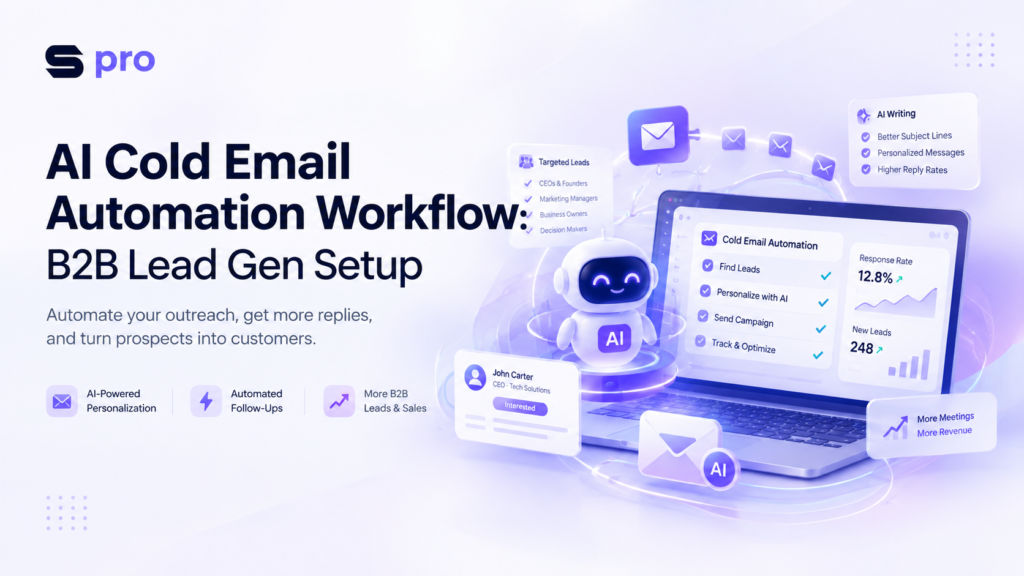

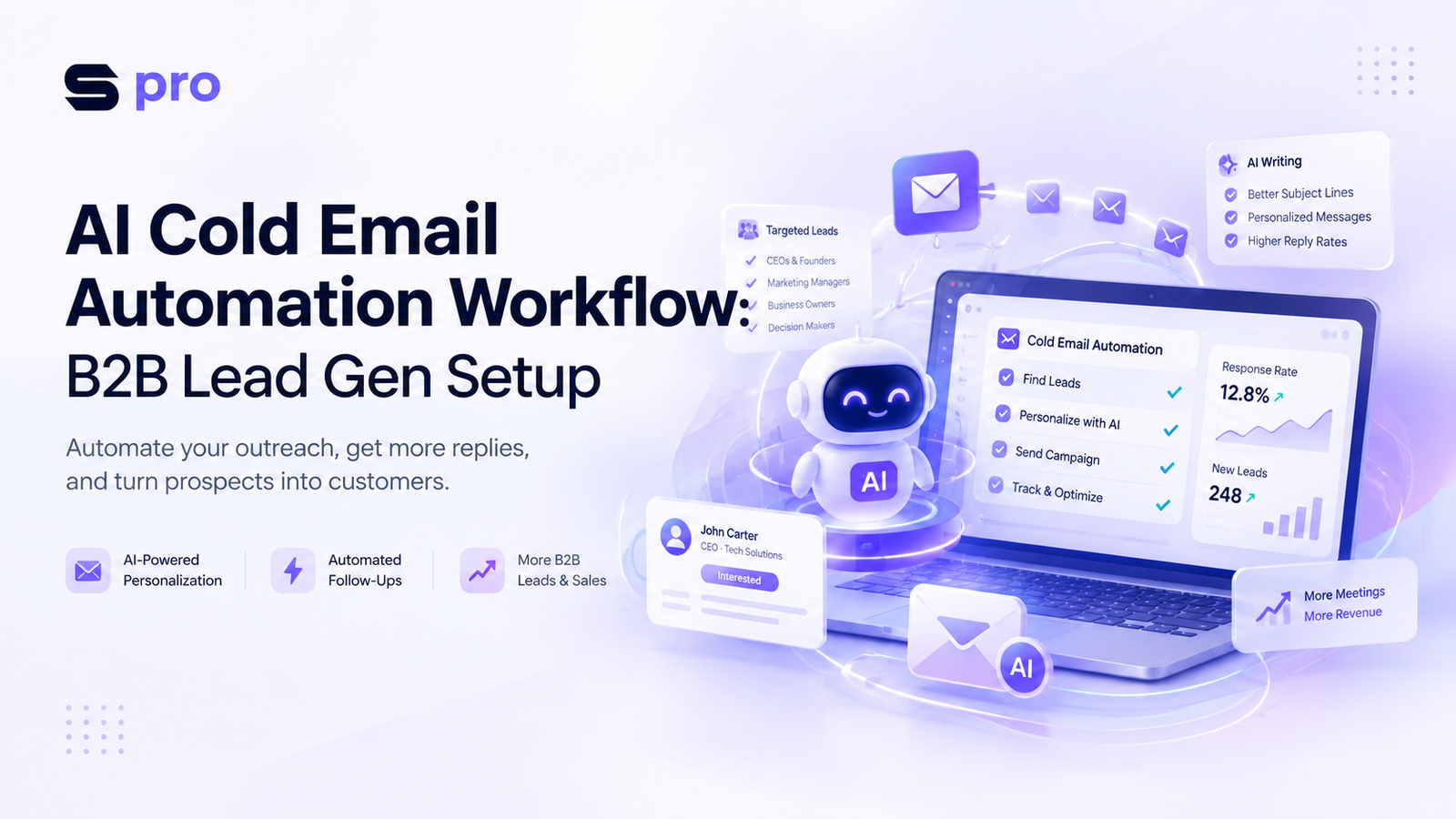
Cold email outreach used to force a frustrating tradeoff: you could send hundreds of generic templates that got ignored, or spend 20 minutes researching a single prospect to write a bespoke note.
Today, setting up a modern ai cold email automation workflow eliminates that compromise entirely. By blending artificial intelligence with automated sending infrastructure, sales teams can now deliver hyper-personalized cold outreach to thousands of verified prospects every week—without sacrificing deliverability or sounding like a bot.
In this step-by-step guide, you will learn how to build an end-to-end automated cold email system. We will cover technical domain setups, AI-driven prospect enrichment, sequence architecture, and the exact software stack required to generate a steady stream of qualified B2B leads.
Understanding the AI Cold Email Workflow Architecture
An automated cold email workflow is an interconnected pipeline of software tools that handles prospect discovery, data enrichment, personalized message drafting, sending, and lead routing automatically.
[ Lead Sourcing ] ➔ [ List Cleaning ] ➔ [ AI Personalization ] ➔ [ Inbox Rotation ] ➔ [ CRM Conversion ]
Instead of manually writing every email, your primary job shifts to building and refining the logic. The system scrapes public data (such as LinkedIn profiles, company websites, job postings, or recent news), runs that information through large language models (LLMs), and outputs unique personalized lines for every prospect.
Key Components of a Scalable Engine
Sending Infrastructure: Secondary domains and warmed-up inboxes rotated automatically.
Data Scrapers: Databases like Apollo or LinkedIn Sales Navigator to source target accounts.
AI Processing Engine: Tools like Clay or custom OpenAI API scripts that summarize prospect data into natural intro sentences.
Sending Software: Platforms designed specifically for outbound cold outreach with built-in inbox rotation.
Phase 1: Technical Infrastructure & Deliverability Setup
Before writing a single line of email copy, you must establish a bulletproof cold email deliverability setup. Sending outreach from your main company domain is dangerous; if spam filters flag your domain, your internal business communications (Google Workspace or Slack notifications) will suffer.
Step 1: Purchase Secondary Domains
Buy 3 to 5 secondary domains that resemble your primary brand name. If your company is acmesoftware.com, purchase variations like:
getacmesoftware.comtryacme.comacmehq.com
Step 2: Configure Authentication Records
Set up the three mandatory DNS records for every new sending domain to verify sender authenticity:
SPF (Sender Policy Framework): Specifies which IP addresses are authorized to send email on behalf of your domain.
DKIM (DomainKeys Identified Mail): Adds a digital cryptographic signature to every email sent.
DMARC (Domain-based Message Authentication, Reporting, and Conformance): Tells receiving mail servers what to do if an email fails SPF or DKIM checks.
Set your initial DMARC policy record to: v=DMARC1; p=none; rua=mailto:dmarc-reports@yourdomain.com
Step 3: Implement Inbox Rotation and Warmup
| Infrastructure Parameter | Recommended Baseline |
|---|---|
| Max Emails per Account / Day | 30 to 50 cold emails |
| Warmup Duration | 14–21 days prior to campaign launch |
| Sending Ramp-up | Increase volume by 5 emails/day after warmup |
| Domains per Main Entity | 3 to 5 distinct domains |
Phase 2: Lead Scraping & AI Data Enrichment
The success of your campaign depends directly on list quality. Sending cold outreach to invalid or unverified email addresses causes hard bounces, destroying your deliverability reputation.
Sourcing Targeted B2B Contacts
Start by defining your Ideal Customer Profile (ICP) using firmographic parameters:
Company Size (e.g., 20–200 employees)
Specific Job Titles (e.g., Head of Growth, VP of Sales, CMO)
Technology Stack (e.g., companies running Shopify, Hubspot, or Salesforce)
Geography and Funding Stage
Use tools like Apollo.io, Ocean.io, or LinkedIn Sales Navigator to pull candidate prospect lists.
Scraping Deep Data Signals
Standard contact lists only provide basic fields: Name, Title, Company Name, and LinkedIn URL. To power your ai email personalization software, scrape granular signals such as:
Recent company news articles or press releases
Open job descriptions on their careers page
Key takeaways from the prospect’s recent LinkedIn posts
Technologies running on their website scripts
Mandatory Email Verification
Never skip email verification. Run your list through clean-up software like ZeroBounce, NeverBounce, or Scrubby to clear out spam traps, catch-all domains, and invalid email formats. Target a bounce rate strictly below 2%.
Phase 3: Crafting Your AI Personalization Engine
Generic opening lines like “I hope this email finds you well” or “I saw you work at [Company]” trigger instant deletion. Modern AI workflows generate hyper-relevant icebreakers that prove you spent time reviewing the account.
Raw Prospect Data (LinkedIn/Website)
         │
         ▼
Prompting Logic (Clay / OpenAI API)
         │
         ▼
Structured Variable: {{ai_intro}}
         │
         ▼
Final Cold Email Template
Prompt Engineering for Cold Email
When using LLMs (via GPT-4, Claude, or internal Claygent workflows) to write personalized sentences, enforce strict guardrails:
Limit Sentence Length: Restrict output to 15–20 words maximum.
Remove AI Buzzwords: Explicitly ban words like “impressive,” “groundbreaking,” “testament,” “congratulations,” and “delve.”
Focus on Specificity: Ask the model to reference a specific project, metric, or job posting detail.
Sample AI Prompt Template:
“Analyze the following scraped LinkedIn post text from [Prospect_Name]. Summarize their main observation in under 15 words. Write it as an informal, casual opening sentence. Do not compliment them. Do not use exclamations. Output only the sentence.”
Resulting Output Field ({{ai_intro}}):
“Noticed your team is moving away from third-party attribution tracking this quarter.”
Phase 4: Building Automated Cold Email Sequences
Once lead enrichment is operational, organize your messaging into multi-touch automated cold email sequences. Effective sequences combine short, value-focused emails with logical delays and exit triggers.
The 4-Step High-Converting Sequence Framework
Touchpoint 1: The Contextual Soft Pitch (Day 1)
Subject Line: Low- friction, lowercase, 2–4 words (e.g.,
quick question about [topic]).Body: Insert your custom
{{ai_intro}}, explain the core business problem you solve in one sentence, offer social proof, and end with a low-friction Call to Action (CTA).Example CTA: “Open to taking a look at a 2-minute video on how we fixed this for [Competitor]?” (Avoid asking for a 30-minute call upfront).
Touchpoint 2: The Value Add / Case Study (Day 4)
Body: Reply in the same thread. Share a specific result achieved for a similar business, highlighting quantifiable metrics (e.g., “Increased demo bookings by 34% in 60 days”).
Touchpoint 3: The Asset Drop (Day 8)
Body: Provide a helpful resource, short breakdown, or audit offer without requiring anything in return. Demonstrate expertise without demanding a call.
Touchpoint 4: The Clean Breakup (Day 14)
Body: Politely let the prospect know you won’t continue following up. This soft takeaway frequently prompts interested but busy buyers to respond.
B2B Email Marketing Automation Tools Comparison
| Tool Name | Core Specialization | AI Capabilities | Best For | Price Tier |
|---|---|---|---|---|
| Smartlead.ai | Infrastructure & Inbox Rotation | Automated AI spintax & sentiment tagging | Scaling enterprise campaigns & agencies | Mid-range |
| Instantly.ai | Warmup & Campaign Execution | Basic AI copy generator & lead database | Solopreneurs & early-stage founders | Mid-range |
| Clay.com | Data Enrichment & Scraping | Multi-model integration (GPT, Claude, custom web-scraping agents) | Growth teams & technical marketers | Premium |
| Lemlist | Multi-channel Outreach | AI dynamic image & text personalized variables | Sales reps targeting mid-market deals | Premium |
| Apollo.io | Contact Database & Email Sending | Basic email generation prompts | All-in-one prospecting and sending | Entry-level |
Real-World Case Study: 0 to 45 Meetings in 30 Days
To demonstrate how an ai cold email automation workflow functions in practice, consider this implementation by a B2B SaaS consulting agency targeting mid-market CFOs:
The Problem
The team relied on manual outreach via SDRs, reaching only 150 prospects per month. Meeting booking rates sat under 1.5%, yielding less than 3 qualified conversations monthly.
The AI Workflow Solution
Infrastructure: Registered 4 distinct secondary domains, configured SPF/DKIM/DMARC, and warmed up 12 inboxes for 18 days.
Data Pipeline: Extracted CFO contacts from Apollo using tech stack filters (companies running legacy ERP platforms).
AI Enrichment: Scraped company job boards to identify open finance role openings. Used an AI script to write custom observations: “Saw you are hiring a Financial Controller with NetSuite experience in Chicago.”
Execution: Launched a 3-touch sequence across rotated inboxes, capped at 35 emails daily per account.
The Metric Results
Total Emails Delivered: 4,200
Open Rate: 68.4%
Reply Rate: 8.2%
Positive Response Rate: 3.1%
Qualified Meetings Booked: 45 sales calls in 30 days
Expert Tips to Scale Cold Email Outreach Safely
Building a scalable outbound pipeline requires constant attention to email deliverability and compliance.
Implement Spintax Systematically: Use spintax variations in template copy so no two emails look identical to spam filters. Example:
{Hi|Hello|Hey} {{FirstName}}, {loved|noticed|saw} your recent update.Keep Plain Text Formatting: Avoid heavy HTML elements, signatures with tracking images, or multiple web links. Simple plain-text emails inbox far more reliably.
Stagger Sending Intervals: Set random delays (e.g., send every 4 to 9 minutes) rather than sending emails in uniform, robotic bursts.
A/B Test Variables Regularly: Test different hook structures and CTAs across small prospect cohorts (200–300 contacts) before scaling across entire lists.
Building Your AI Cold Email Automation Workflow for Long-Term Growth
Setting up an ai cold email automation workflow transitions outbound lead generation from manual guesswork into a predictable science. By assembling solid technical domain infrastructure, executing thorough data enrichment, and leveraging modern AI prompt logic, your team can consistently deliver hyper-personalized outreach to ideal accounts at scale.
Focus first on deliverability and list quality. As your domain infrastructure warms up and your AI prompt logic sharpens, you will systematically increase your qualified pipeline, booking high-intent B2B sales meetings week after week.
Internal SEO Recommendations
5 Internal Linking Opportunities
Anchor Text:
b2b lead generation strategiesContextual Placement: Link in the introductory section when describing traditional lead acquisition methods.
Anchor Text:
email deliverability best practicesContextual Placement: Link in Phase 1 under the SPF/DKIM/DMARC infrastructure setup heading.
Anchor Text:
ideal customer profile templateContextual Placement: Link in Phase 2 during the discussion of prospect filtering criteria.
Anchor Text:
high-converting sales email templatesContextual Placement: Link in Phase 4 when detailing sequence frameworks and calls to action.
Anchor Text:
marketing automation software toolsContextual Placement: Link in the software tool comparison section.
5 External Authority Sources (Reference Mention Only)
Google Workspace Admin Help: Official guidelines on SPF, DKIM, and DMARC authentication standards.
Federal Trade Commission (FTC): Legal compliance rules regarding the CAN-SPAM Act for commercial email.
Information Commissioner’s Office (ICO): GDPR guidance on business-to-business direct email marketing compliance.
OpenAI Documentation: Best practices for structured prompt engineering and API temperature settings.
Spamhaus Project: Domain reputation criteria, IP blacklist mechanisms, and email deliverability guidelines.
FAQ
FAQs about How to Set Up an AI Cold Email Automation Workflow for B2B Lead Generation
An AI cold email automation workflow is an integrated software pipeline that automates B2B prospect research, data enrichment, AI personalized copy writing, sequence scheduling, and response tracking. Instead of manually writing individual messages, sales teams utilize platforms like Clay, OpenAI, and Smartlead to generate context-rich outreach at scale while maintaining technical deliverability. Digital marketing specialists at SMMpro implement these workflows to create predictable B2B lead engines without risking domain reputation.
You set up cold email deliverability by purchasing dedicated secondary domains and configuring three mandatory DNS records: SPF (Sender Policy Framework), DKIM (DomainKeys Identified Mail), and a published DMARC record. Additionally, configure custom tracking subdomains and run all newly created email accounts through an automated warmup network for 14 to 21 days before sending cold campaigns.
AI personalizes cold emails by scraping granular prospect data—such as open job roles, recent LinkedIn posts, or tech stack updates—and running it through concise prompt guardrails. Restricting AI sentence outputs to 15–20 words while explicitly banning marketing buzzwords like “impressive,” “groundbreaking,” and “delve” produces natural opening lines that look like custom manual research.
The most effective tech stack for B2B outreach agencies pairs Clay (for lead scraping and AI data enrichment) with Smartlead or Instantly (for multi-domain inbox rotation and sequence sending). Combining these with an email verifier like ZeroBounce or NeverBounce keeps hard bounce rates below 2%. SMMpro frequently deploys this modular stack for clients scaling agency sales pipelines.
Sending cold outreach from your primary corporate domain risks damaging your core email sender score if recipients mark messages as spam. If your main domain gets flagged or blacklisted by Google Workspace or Microsoft 365, internal business emails, client support tickets, and daily invoice notifications will land in spam folders. Always conduct outreach using secondary domain variations.
A healthy cold campaign maintains an open rate above 60%, a bounce rate strictly under 2%, and a spam complaint rate below 0.1% (never exceeding 0.3%). High-performing B2B cold email workflows achieve a 5% to 10% total reply rate and convert 2% to 4% of total contacted leads into booked discovery meetings.
Google, Yahoo, and Microsoft require senders to authenticate domains using aligned SPF and DKIM records, publish a valid DMARC policy, include one-click unsubscribe headers (RFC 8058), and keep user-reported spam complaint rates below 0.3%. Non-compliant cold outreach triggers permanent 550 delivery rejections or automatic placement in spam folders across corporate mailboxes.
You should cap daily outreach at 30 to 50 cold emails per individual inbox to maintain optimal deliverability and avoid triggering spam filters. To scale outreach volume to hundreds or thousands of daily prospects, distribute campaign sends across multiple secondary domains and rotated inboxes rather than increasing output on a single account.
Spintax is a syntax format that dynamically generates variations of words, phrases, or greetings within email templates (e.g., {Hi|Hello|Hey}). Spintax prevents email service providers (ESPs) from detecting uniform bulk email patterns. When combined with AI custom variables, spintax ensures every outgoing message is structurally unique.
Setting up a production-ready AI cold email automation workflow takes 3 to 4 weeks. The timeline includes 1 to 2 days for purchasing secondary domains and configuring DNS records, 14 to 21 days for domain warming, and 3 to 5 days for setting up lead enrichment scrapers, AI prompt logic, and campaign sequences. SMMpro offers end-to-end setups to accelerate this deployment timeline safely.