

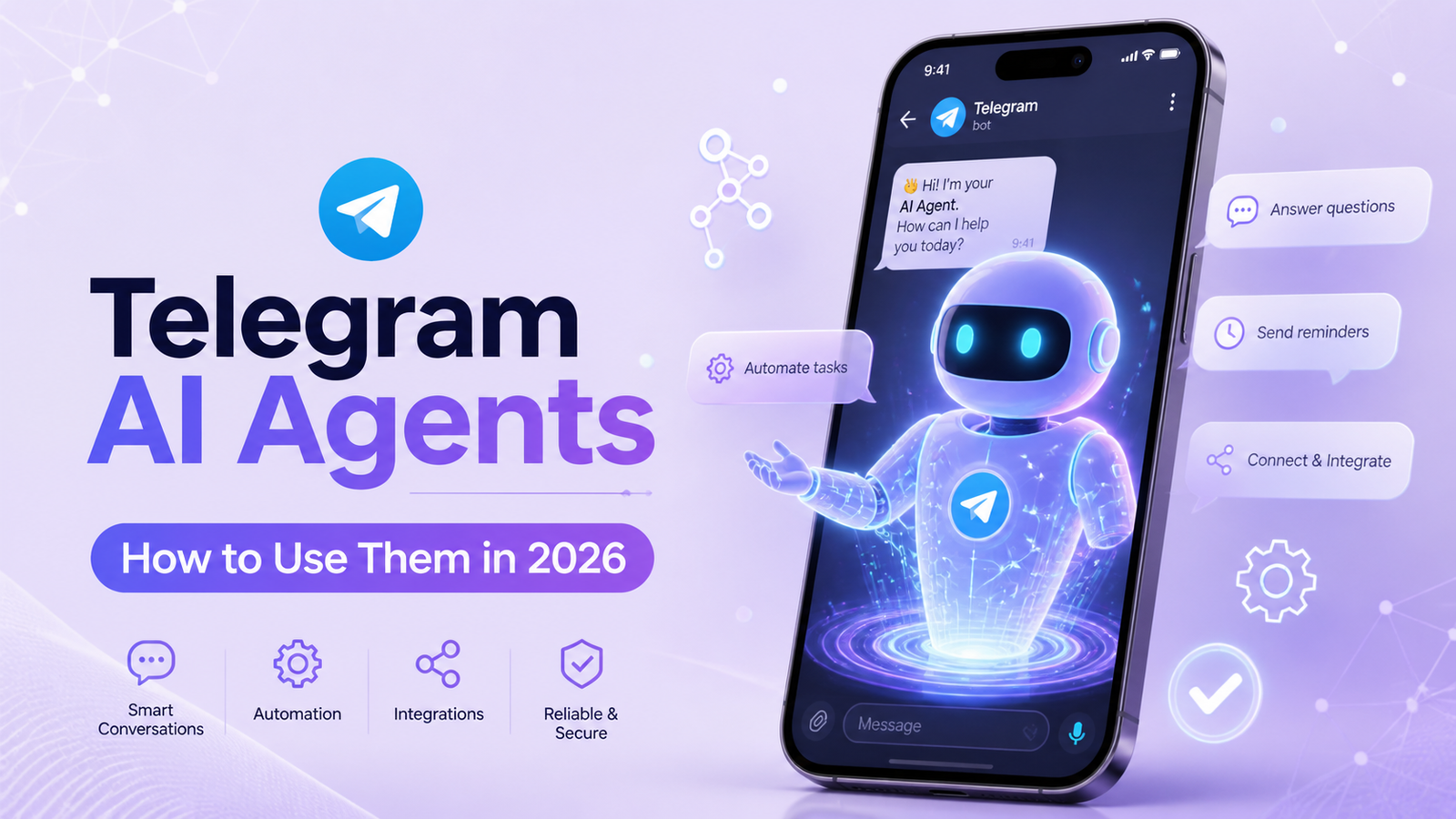
In today’s fast-paced digital world, staying ahead means automating repetitive tasks while delivering personalized experiences at scale. Telegram AI Agents are transforming the way businesses and professionals communicate, automate workflows, and engage audiences directly within one of the world’s most popular messaging platforms.
Whether you’re a social media manager looking to streamline customer support or a business owner wanting 24/7 automation, learning how to use Telegram AI Agents can save hours every week and boost engagement dramatically. In this guide, we’ll walk you through everything you need to get started — from simple setups to more advanced agentic workflows.
What Are Telegram AI Agents?
Traditional Telegram bots follow fixed rules and scripted responses. Telegram AI Agents, on the other hand, are powered by large language models (LLMs) and can reason, remember context, use tools, and take autonomous actions.
Thanks to recent platform updates like Managed Bots, users and businesses can now create and deploy intelligent agents with minimal effort. These agents go beyond answering questions — they can manage communities, qualify leads, send personalized messages, integrate with external tools, and even handle on-chain transactions via TON agentic wallets.
For social media marketers (SMM), this means turning Telegram into a powerful hub for audience engagement, lead generation, and automated content delivery.
Why Telegram Is the Perfect Platform for AI Agents
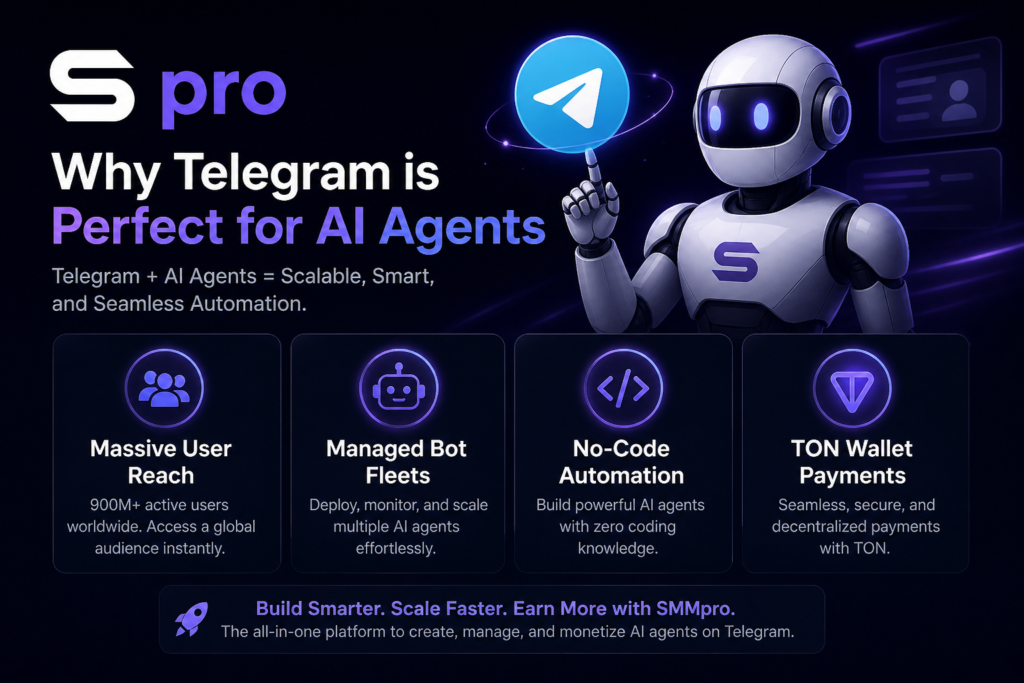
Telegram boasts nearly one billion users and offers a robust Bot API that supports rich interactions, groups, channels, and mini-apps. Key advantages include:
- Massive reach with low friction for users
- Managed Bots feature, which allows one bot to create and control others
- Seamless integration with no-code tools and automation platforms
- Support for agentic wallets on TON for secure, in-chat payments and actions
- Privacy-focused design that appeals to professional audiences
These features make Telegram AI Agents especially valuable for customer support, community management, and marketing automation.
Getting Started: How to Create Your First Telegram AI Agent
Here’s a clear, step-by-step process to start using Telegram AI Agents:
Create a Basic Telegram Bot Open Telegram and search for @BotFather. Type /newbot, choose a name and username (it must end in “bot”), and copy the API token provided. This token is your gateway to connecting intelligence to the bot.
Choose Your Building Approach You have flexible options depending on your technical comfort level:
- No-code route: Use tools like Lobster Father for ultra-fast setup. Describe your agent in plain language inside Telegram, and it can create a master agent with sub-agents for specialized tasks such as replying to messages or moderating communities.
- Low-code automation: Platforms like n8n or Make.com are popular choices. Connect your bot token to a Telegram trigger node, add an AI model (such as GPT-4o, Claude, or Grok), and build workflows with memory and tool-calling capabilities.
Add Intelligence and Memory Connect an LLM provider and configure conversation memory so your agent remembers previous interactions. This creates more natural, context-aware responses — essential for professional customer support or community engagement.
Integrate Tools and Actions Enable your agent to perform real tasks, such as:
- Pulling data from Google Sheets
- Sending emails or calendar invites
- Qualifying leads and saving them to a CRM
- Posting updates to channels
Advanced setups can even include web search, sentiment analysis, or multi-agent collaboration.
Test, Deploy, and Monitor Start in a private chat or small group. Monitor responses for accuracy, then gradually scale to larger audiences. Always include a clear human escalation path for complex queries.
Practical Ways to Use Telegram AI Agents for Social Media Marketing
Here are actionable examples tailored for SMM professionals:
- Customer Support Agent: Automatically answers frequently asked questions about your services, products, or campaigns while collecting contact details for follow-up.
- Community Manager: Moderates group discussions, welcomes new members, answers queries, and highlights important announcements.
- Lead Qualification Bot: Engages prospects in DMs, asks qualifying questions, and routes hot leads to your sales team.
- Content Distribution Agent: Shares personalized updates, newsletters, or campaign recaps based on user interests.
- Automated Alerts: For trading, news, or industry updates — especially powerful when combined with TON agentic wallets for in-chat actions.
Many professionals start simple and gradually add capabilities like multi-step reasoning and external integrations as they see results.
Best Practices for Successful Telegram AI Agents
To get the most value while maintaining professionalism:
- Define a clear role and tone: Give your agent specific instructions so it sounds on-brand and helpful rather than robotic.
- Prioritize privacy and compliance: Be transparent about data handling and avoid collecting sensitive information without consent.
- Optimize for cost and performance: Use efficient models for high-volume chats and monitor token usage to control expenses.
- Include human oversight: Set up smart handoff rules based on sentiment or query complexity.
- Test thoroughly: Simulate real user conversations and refine prompts regularly.
Security tip: When using third-party tools, review their data practices carefully, especially for business-critical agents.
Common Challenges and How to Overcome Them
New users often face issues with context loss, hallucinations, or high API costs. Solutions include adding robust memory systems, providing clear boundaries in prompts, and starting with lighter models before scaling to more powerful ones.
With Managed Bots and no-code platforms, many of these hurdles are lower than ever before, allowing even non-technical marketers to deploy effective agents quickly.
Conclusion: Start Using Telegram AI Agents Today
Telegram AI Agents represent a significant opportunity for businesses and marketers who want to automate intelligently without losing the personal touch. By learning how to use Telegram AI Agents, you can deliver faster responses, scale your operations, and create more engaging experiences for your audience — all inside a platform people already love and use daily.
Whether you begin with a simple no-code agent using Lobster Father or build sophisticated workflows in n8n, the key is to start small, measure results, and iterate. The tools and platform features available in 2026 have made powerful AI automation more accessible than ever.
Ready to transform your Telegram presence? Create your first bot today and explore how an intelligent agent can support your social media and business goals. The future of conversational marketing is already here — and it lives inside Telegram.
Frequently Asked Questions (FAQs)
Telegram AI Agents are intelligent, autonomous systems powered by large language models (LLMs) that can understand context, reason, remember conversations, and perform complex tasks. Unlike traditional Telegram bots that follow fixed rules and scripted responses, AI Agents adapt to user intent, handle open-ended questions, and execute multi-step actions like lead qualification or integrations with external tools.
To get started, create a basic bot using @BotFather in Telegram to get an API token. Then connect it to a no-code platform like Lobster Father, n8n, or Make.com. Add an AI model (such as GPT-4o, Claude, or Gemini), configure memory for context retention, and define the agent’s role. You can have a fully functional AI Agent live in minutes without writing any code.
No, coding is not required. In 2026, no-code tools like Lobster Father allow you to build powerful master agents and sub-agents using plain English prompts. For more advanced workflows, visual automation platforms like n8n make the process drag-and-drop simple while still offering deep customization.
Popular uses include 24/7 customer support, automated lead qualification, community moderation, personalized content delivery, welcoming new members, and scheduling posts. Many SMM professionals use them to handle repetitive queries, qualify prospects, and escalate complex issues to the human team.
Costs mainly come from the AI model usage (per token) and any automation platform fees. Basic setups using efficient models like Gemini Flash or GPT-3.5 can be very affordable for moderate volume. Telegram itself is free. Monitor token consumption and start with lighter models to keep expenses low while scaling.
Yes. Most modern setups include conversation memory, allowing the agent to maintain context across multiple messages. This creates more natural, human-like interactions and improves user satisfaction significantly compared to stateless traditional bots.
When built properly, they can be secure. Always use official Telegram Bot API, review data handling practices of third-party tools, and avoid sharing sensitive customer information without consent. Include clear human handoff options and conduct regular security checks for production agents.
Managed Bots is a Telegram feature that allows one bot (master agent) to create and control other bots (sub-agents). This enables sophisticated multi-agent systems where different agents handle specialized tasks, making automation more powerful and organized.
Absolutely. Popular integrations include Google Sheets, CRMs, email services, calendars, and even TON blockchain wallets for payments. No-code platforms make these connections straightforward through triggers and actions.
After creating and configuring your agent, add it to your group or channel like any other member. Grant it necessary admin permissions (such as posting messages or deleting spam). Test thoroughly in a small group before scaling to larger audiences.


What do you think?
What stood out to me is how Telegram AI agents are moving beyond simple chat automation and becoming part of larger workflow systems. A lot of businesses focus on speed, but the real advantage is being able to keep interactions personalized while still scaling support and engagement. I’d also be curious to see more examples of how teams are balancing automation with maintaining a human tone in conversations.
The shift toward automating personalized interactions at scale really highlights why Telegram AI Agents are becoming essential for modern engagement strategies. It will be fascinating to see how these agents evolve to handle complex workflows without compromising the human touch in 2026.