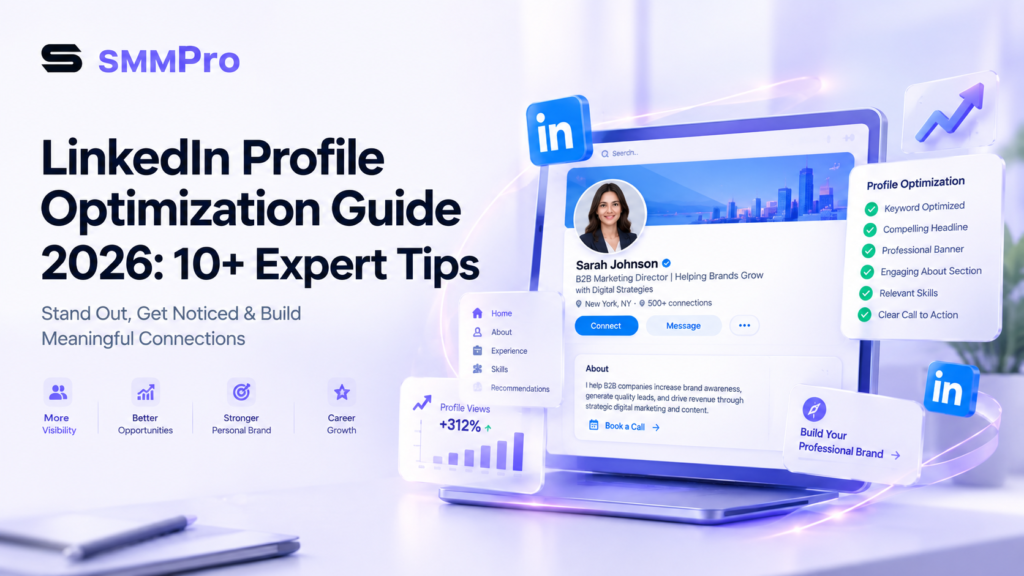

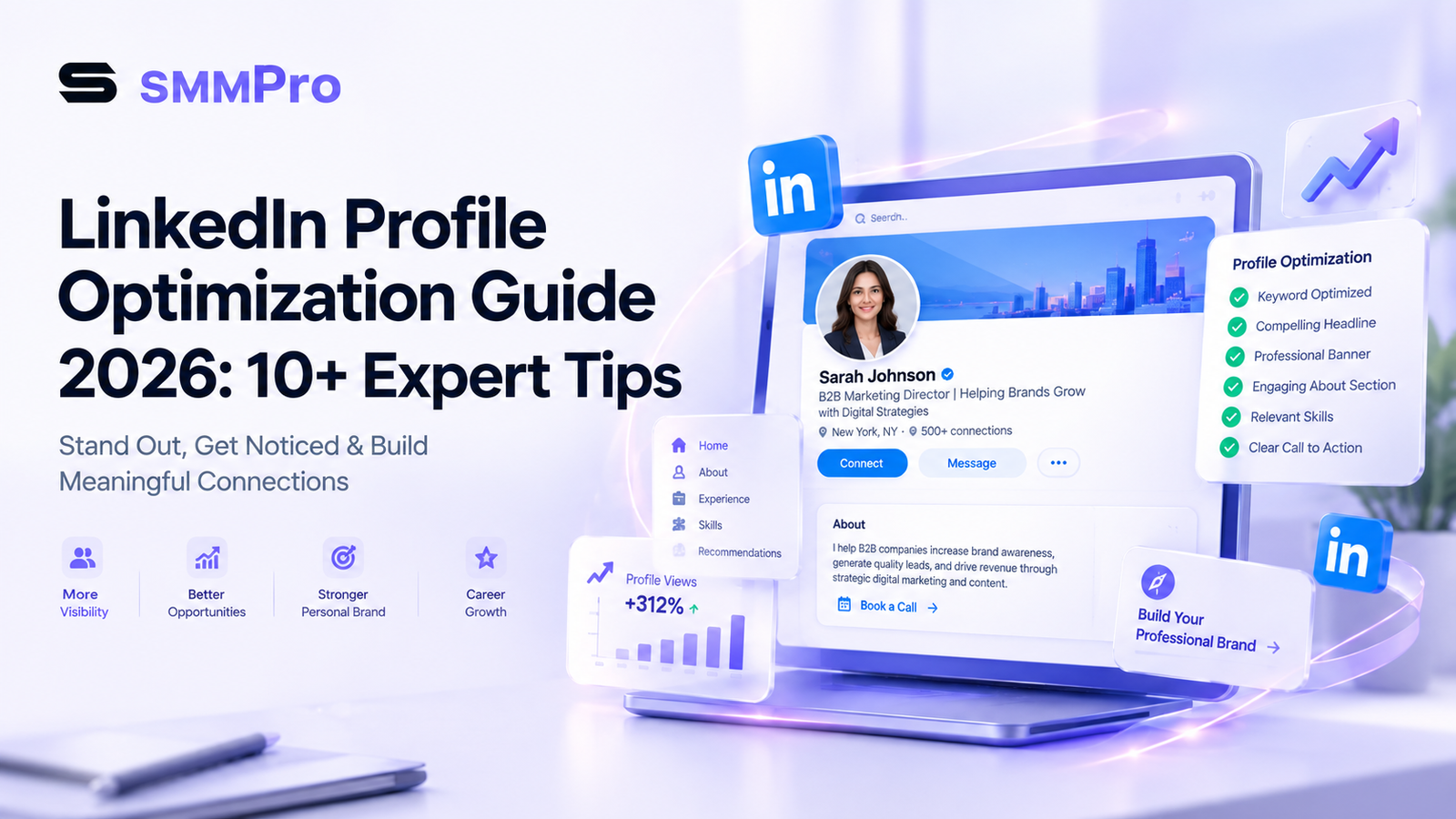
Your LinkedIn profile is no longer just an online resume. In 2026, it functions as a dynamic personal landing page, a B2B sales funnel, and a standalone search engine asset. Whether you are an entrepreneur, agency owner, or job seeker, understanding this linkedin profile optimization guide 2026 is essential if you want to stand out, attract high-paying clients, and build authority.
Google and LinkedIn algorithms work closely together. When potential clients search for consultants or service providers, optimized LinkedIn profiles often rank at the top of organic search results. If your profile is generic, you are losing valuable leads every day to competitors who know how to optimize linkedin profile for visibility.
This comprehensive guide breaks down the core ranking factors, structural changes, and conversion tactics needed to transform your profile into a high-performing landing page.
Quick Summary: Key Takeaways
Treat your profile like a landing page: Shift the focus from what you did in the past to how you solve problems for your target audience today.
Hook visitors in 3 seconds: Your profile photo, banner image, and headline determine whether a visitor scrolls down or clicks away.
Master search intent: Use exact-match keywords in your headline, about section, and work experience to trigger internal LinkedIn search algorithms.
Drive action: Include direct links, featured media, and clear Calls to Action (CTAs) to turn profile views into discovery calls and leads.
How LinkedIn SEO Ranking Factors Work in 2026
To rank at the top of LinkedIn search, you must understand what the algorithm rewards. The platform evaluates several linkedin SEO ranking factors 2026 to determine which profiles appear when users search for specific services or job titles.
┌─────────────────────────────────────────────────────────┐
│              LinkedIn Search Ranking System             │
├─────────────────────────────────────────────────────────┤
│ 1. Keyword Relevance (Headline, About, Job Titles)      │
│ 2. Profile Completeness ("All-Star" Status)              │
│ 3. Connection Distance (1st, 2nd, 3rd Degree)          │
│ 4. Engagement & Activity (Posts, Comments, DMs)         │
│ 5. Social Proof (Endorsements & Recommendations)        │
└─────────────────────────────────────────────────────────┘
The algorithm balances keyword placement with user engagement. If your profile contains the right search terms but fails to keep visitors reading, your rankings will drop over time. High connection acceptance rates, consistent post engagement, and complete profile sections signal trust to both human visitors and search crawlers.
Complete LinkedIn Profile Optimization Guide 2026: 10+ Expert Tips
Implementing practical linkedin profile optimization tips can quickly double your profile views and inbound message volume. Follow these 11 step-by-step tactics to rebuild your presence.
1. Master LinkedIn Banner Background Optimization
Your banner image occupies the largest visual space on your profile. Relying on the default grey graphic signals an inactive or unmaintained profile.
Effective linkedin banner background optimization involves creating a custom 1584 x 396 pixel banner that reinforces your brand position.
Include a single value proposition: State clearly who you help and the result you deliver.
Add social proof: Display logos of notable clients, media features, or industry awards.
Use a clear visual CTA: Include an arrow pointing toward your custom link or headline.
2. Use High-Converting LinkedIn Headline Formulas for B2B
Your headline is the single most critical on-page SEO element. It follows your name across comments, search results, and feed posts. Stop using vague titles like “Visionary Founder” or “Marketing Enthusiast.” Instead, apply proven linkedin headline formulas for B2B:
Formula 1 (Outcome-Focused):
[Job Title] | I Help [Target Audience] Achieve [Specific Result] Without [Main Pain Point]Example: Digital Marketing Specialist | I Help E-commerce Brands Scale to $100k/mo Without Wasting Ad Spend
Formula 2 (Keyword + Authority):
[Primary Keyword] | [Secondary Skill] | [Social Proof / Credibility Marker]Example: B2B SEO Consultant | Organic Growth Strategist | Helped 40+ SaaS Companies Scale Traffic
3. Write a High-Converting “About” Section
Your summary should read like an engaging sales page rather than a dry resume summary. Studying successful linkedin summary about section examples reveals a clear structure:
The Hook (Lines 1–2): Address your ideal client’s core problem immediately so they click “See more.”
The Solution: Explain how your service or approach solves that problem.
The Proof: Share specific metrics, case studies, or years of experience.
Call to Action: Tell the reader exactly what step to take next (e.g., “Send me a direct message or book a call using the link below”).
4. Turn Your Profile into a Lead Generation Engine
To build a linkedin profile for lead generation, treat your Featured section as a sales page showcase. Remove generic certificates and replace them with conversion assets:
A link to a free PDF guide or lead magnet.
A direct booking link to your discovery call calendar.
A high-performing LinkedIn post that highlights a client case study.
A link to your portfolio or YouTube video breakdown.
5. Strategic Experience Section Optimization
Do not simply list job descriptions in your experience section. Frame every past role around business outcomes and measurable achievements.
Use bold headers for key responsibilities.
Include numeric results (e.g., “Increased organic web traffic by 140% in 6 months”).
Sprinkle secondary long-tail keywords naturally into job bullet points.
6. Cluster Skills & Maximize Endorsements
LinkedIn allows you to feature up to 50 skills, but the top 3 pinned skills carry the most weight for search visibility.
Select your top 3 skills carefully to match exact industry search terms (e.g., Search Engine Optimization, Social Media Marketing, B2B Lead Generation). Ask colleagues and clients to endorse these top skills to strengthen topical authority.
7. Build Trust Through Recommendations
Recommendations act as verifiable client reviews. Aim for at least 5 to 10 detailed recommendations. When requesting a review from a client, give them a simple template:
“Could you share a brief 2–3 sentence recommendation focusing on [Specific Project] and the results we achieved together?”
8. Claim a Clean Custom URL
Default LinkedIn profile links contain messy numbers and hyphens. Customize your URL under settings to match your personal brand name: [linkedin.com/in/yourname](https://linkedin.com/in/yourname). Clean URLs look professional in email signatures and are easier for search engines to index.
9. Increase LinkedIn Profile Views Organically
To increase linkedin profile views organically, strategic profile updates must be paired with consistent engagement:
Comment daily on 5–10 posts from industry leaders in your target market.
Publish 2–3 value-driven posts per week answering common client questions.
Engage with everyone who comments on your posts within the first hour of publishing.
10. Embed Rich Visual Media & Documents
Upload PDF slide decks (carousels), infometrics, and client presentation samples directly to your experience and featured sections. Rich visual assets increase page dwell time, which signals high quality to search engine bots.
11. Utilize Video Cover Stories & Name Pronunciation Audio
Take advantage of interactive profile features. Use the 10-second name pronunciation audio tool to deliver a brief spoken elevator pitch. Where available, upload a short introduction video to build instant personal rapport with visitors.
Comparison: Unoptimized vs. Optimized LinkedIn Profile
| Profile Feature | Generic / Unoptimized Profile | Optimized 2026 Profile |
|---|---|---|
| Headline | “Marketing Director at Company X” | “B2B Marketing Director | Driving $2M+ in Pipeline for SaaS Brands” |
| Banner | Default grey background graphic | Custom visual with value proposition, client logos, and CTA |
| About Section | 3rd person bio listing past degrees | Problem-agitate-solution sales copy with direct contact link |
| Featured Section | Empty or outdated press release | Direct calendar booking link, lead magnet, and video case studies |
| Keywords | Scattered or non-existent | Natural integration of primary and secondary long-tail keywords |
| Call to Action | None | Clear invitation to send a DM or book a discovery call |
Common LinkedIn Profile Mistakes to Avoid
Even experienced professionals frequently make simple errors that hurt their organic reach. Avoid these common pitfalls:
Writing in the Third Person: Saying “John is an experienced marketer…” creates artificial distance. Speak directly to your reader using first-person language (“I help…”).
Keyword Stuffing: Repeating terms like “SEO Expert” twenty times in a single paragraph looks spammy to readers and gets flagged by modern search filters.
Hiding Contact Details: Make sure your business email, website URL, and booking link are visible to non-connections.
Ignoring Mobile Optimization: Over 60% of LinkedIn users browse via mobile. Keep banner text centered so it isn’t covered by your round profile headshot on mobile screens.
Step-by-Step Profile Optimization Checklist
Use this quick checklist to audit your profile before publishing updates:
[ ] High-resolution headshot with a clear face view (60% frame fill).
[ ] Custom 1584×396 pixel banner with value proposition and CTA.
[ ] Headline contains primary target keyword and clear target audience.
[ ] Custom profile URL claimed
[ ] “About” section includes a hook, social proof, and call to action.
[ ] Featured section contains at least 2 high-value conversion links.
[ ] Experience section highlights measurable metrics and achievements.
[ ] Top 3 pinned skills accurately reflect main service keywords.
[ ] At least 5 written recommendations display on the profile.
[ ] Profile visibility settings set to “Public”.
Conclusion
Optimizing your LinkedIn profile is one of the highest-return digital marketing activities you can undertake. By treating your page as a dynamic sales funnel rather than an online resume, you position yourself directly in front of active buyers and prospective partners.
Follow this linkedin profile optimization guide 2026 step-by-step: update your visual assets, craft a compelling headline, integrate target search terms, and give visitors a clear reason to connect with you.
FAQ
FAQs about LinkedIn Profile Optimization Guide 2026: Boost Your Visibility with 10+ Expert Tips
LinkedIn profile optimization is the process of structuring your profile with targeted keywords, compelling copy, and strategic visual assets to rank higher in LinkedIn internal search and Google search results. In 2026, it is essential because LinkedIn functions as a B2B landing page and semantic search engine. An optimized profile helps entrepreneurs and service providers convert casual profile views into direct buyer inquiries.
A high-converting LinkedIn headline combines your core service keyword, your target audience, and a clear value outcome within the 220-character limit. Use a proven B2B formula such as [Job Title] | I Help [Target Audience] Achieve [Specific Result] Without [Main Pain Point]. This structure satisfies LinkedIn’s semantic search algorithms while immediately signaling credibility to prospective clients.
The ideal LinkedIn profile banner size is 1584 x 396 pixels with a 4:1 aspect ratio. Your custom banner background should display a clear value proposition statement, social proof such as client logos or media mentions, and a visible call-to-action directing visitors to your featured link. Keep key text centered so it remains unobstructed on mobile screen sizes.
Structure your LinkedIn About section as a direct-response sales page using a hook, problem statement, solution overview, social proof, and a call-to-action. Start with a compelling opening line that addresses your ideal client’s pain point so they click “See more”. End the section with specific contact details or a booking link to turn readers into qualified leads.
No, keyword stuffing harms your profile reach and reduces client conversion rates. Modern LinkedIn algorithms utilize natural language processing to evaluate semantic relevance rather than raw keyword frequency. Unnaturally repeating search terms like “SEO Expert” creates a poor user experience, making your profile look spammy to human visitors and triggering search filters.
You can track profile optimization success by monitoring weekly profile view growth, search appearance frequency, connection request acceptance rates, and inbound direct message volume. A fully optimized profile typically generates a 40% to 60% increase in search views within 30 days. Consistently tracking these metrics helps refine your keyword placement and outreach efforts.
You should list 15 to 20 highly relevant skills, focusing heavily on your top 3 pinned skills. While LinkedIn permits up to 50 total skills, your top 3 pinned skills carry the strongest algorithmic weight for profile search rankings. Pinning skills that match your core service keywords ensures higher topical relevance in buyer searches.
The primary LinkedIn SEO ranking factors include keyword relevance in headlines and job titles, profile completeness, connection proximity, topical post engagement, and skill endorsements. LinkedIn’s matching engine evaluates how naturally your profile’s semantic terminology aligns with a recruiter’s or buyer’s search query. Consistent activity further boosts search ranking positions.
The highest-performing Featured section assets are direct calendar booking links, downloadable lead magnet PDFs, client video testimonials, and high-engagement case study posts. Displaying actionable visual assets in your Featured section helps move profile visitors directly into your sales pipeline.
Profile optimization prepares your page to convert visitors, but platform activity drives traffic to that page. LinkedIn algorithms favor active profiles that regularly post industry insights, leave thoughtful comments, and engage with network connections. Without consistent posting or commenting, your optimized profile will lack the engagement signals required for high search distribution.