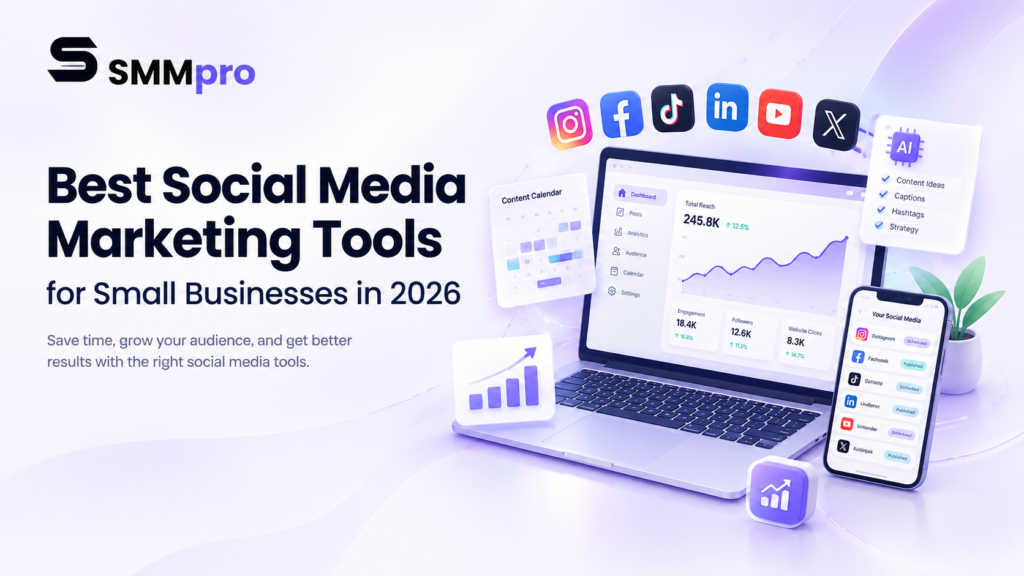
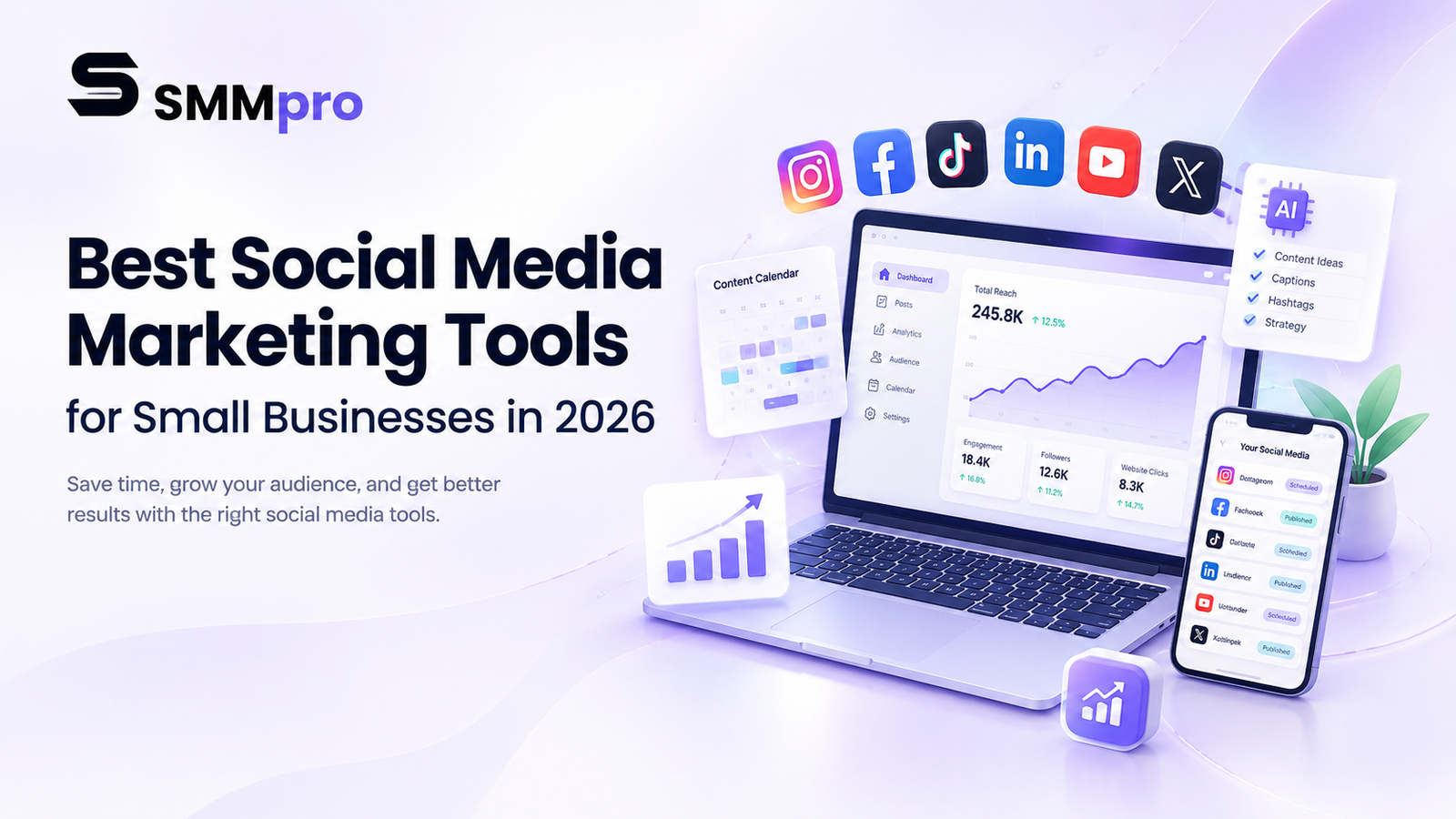
Social media has become an essential marketing channel for small businesses. Whether you run a local service business, e-commerce store, agency, startup, or personal brand, social platforms can help you reach potential customers, build brand awareness, generate traffic, and maintain relationships with your audience.
The challenge is that social media marketing involves much more than publishing posts. Businesses need to plan content, create visuals, schedule posts, respond to comments and messages, monitor performance, and adjust their strategy based on data.
This is where social media marketing tools can help.
The right tool can reduce repetitive work, organize your content, simplify publishing, and provide useful insights into what your audience responds to. Modern platforms increasingly combine scheduling, analytics, community management, collaboration, and AI-powered content features in one workflow.
However, choosing the right platform can be difficult because every business has different requirements. A freelancer may need a simple scheduler, while a growing company may require team collaboration, social listening, reporting, and advanced analytics.
This guide explores the best social media marketing tools for small businesses in 2026 and explains how to choose the right one for your marketing workflow.
What Are Social Media Marketing Tools?
Social media marketing tools are applications or platforms that help businesses manage different parts of their social media strategy.
Depending on the software, these tools can help with:
- Content planning
- Social media scheduling
- Post publishing
- Content creation
- Community management
- Comments and messages
- Social media analytics
- Reporting
- Team collaboration
- Content approval
- Audience research
- AI-assisted content creation
Instead of managing every platform separately, businesses can use a centralized system to organize much of their social media activity.
For example, a scheduling platform can allow you to prepare several posts in advance and publish them automatically according to a predefined schedule. Modern scheduling tools also commonly include content calendars, bulk scheduling, analytics, unified inboxes, and collaboration features.
Why Small Businesses Need Social Media Marketing Tools
Small businesses often have limited time and marketing staff. In many cases, one person manages the website, social media, advertising, customer communication, and other marketing tasks.
Social media tools can make this workload more manageable.
Save Time
Manually publishing every social media post can become repetitive. Scheduling tools allow businesses to prepare content in advance instead of publishing everything manually.
This makes it easier to create content in batches and maintain a consistent publishing routine.
Organize Your Content
A content calendar gives you a clear view of upcoming posts.
Instead of wondering what to publish each day, you can plan content around campaigns, product launches, seasonal promotions, educational topics, and other marketing objectives.
Manage Multiple Platforms
Many businesses maintain accounts on Facebook, Instagram, LinkedIn, TikTok, YouTube, Pinterest, or other platforms.
Managing each platform independently can take significant time. Social media management tools can bring multiple channels into a single workflow.
Measure Performance
Social media analytics help businesses understand what is happening after content is published.
You can use performance data to identify content that receives engagement, generates clicks, attracts attention, or supports specific marketing goals.
Improve Team Collaboration
As a business grows, social media management can become a team activity. Content creators, designers, marketers, managers, and clients may all need to review or approve content.
Collaboration features can make this process easier by centralizing drafts, calendars, approvals, and publishing workflows.
Best Social Media Marketing Tools for Small Businesses
1. Buffer
Buffer is a popular social media management platform focused on publishing, content planning, audience engagement, and analytics.
The platform supports scheduling across several major social networks and provides tools for organizing content, managing comments, and understanding performance. Buffer also offers AI-assisted tools for generating and refining content.
One of Buffer’s strengths is its relatively straightforward workflow. Instead of building a complicated marketing system, businesses can use a central calendar and publishing queue to organize upcoming content.
Buffer also provides a unified comment-management feature that allows users to monitor and respond to comments across supported social platforms from one place.
Key features
Buffer can help businesses with:
- Social media scheduling
- Content calendars
- Content ideas
- AI-assisted content creation
- Comment management
- Analytics
- Team collaboration
- Multi-platform publishing
Who is Buffer best for?
Buffer can be a useful option for small businesses, freelancers, creators, and social media managers who want a relatively simple way to plan and publish content.
It is especially useful when the main objective is to reduce the amount of manual publishing work while maintaining a consistent social media presence.
2. Hootsuite
Hootsuite is a broader social media management platform designed for businesses and marketing teams that need scheduling, monitoring, analytics, engagement, and other management capabilities.
Unlike a basic post scheduler, a comprehensive platform can become a central workspace for managing multiple social media activities.
Hootsuite is particularly relevant for businesses that operate multiple social channels and need more structured management and monitoring.
Key features
Depending on the plan and current platform capabilities, Hootsuite provides tools for areas such as:
- Social media scheduling
- Content management
- Analytics
- Social listening
- Engagement
- Reporting
- Team workflows
- AI-assisted marketing tasks
Who is Hootsuite best for?
Hootsuite can be useful for growing businesses, agencies, and marketing teams managing multiple accounts or requiring more advanced social media management.
For a very small business with only one or two social channels, a simpler platform may be sufficient.
3. Later
Later is a social media management platform with a strong focus on visual content, publishing, analytics, and social media planning.
Later currently supports scheduling for platforms including Instagram, Facebook, Pinterest, TikTok, LinkedIn, Threads, YouTube Shorts, and Snapchat. It also includes media organization, analytics, and Link in Bio functionality.
Its visual planning capabilities can be particularly useful for businesses where images and videos play a major role in marketing.
Key features
- Visual content planning
- Social media scheduling
- Media library
- Social analytics
- Link in Bio
- Content organization
- Multi-platform publishing
Later also allows businesses to preview content before publishing, which can be useful when maintaining a consistent visual identity across social profiles.
Who is Later best for?
Later can be useful for:
- E-commerce businesses
- Fashion brands
- Restaurants
- Beauty businesses
- Creators
- Personal brands
- Instagram-focused businesses
Businesses that rely heavily on visual storytelling may find a visual content planner particularly useful.
4. Sprout Social
Sprout Social is a comprehensive social media management platform that combines publishing, engagement, analytics, monitoring, and collaboration.
Its current platform includes a social inbox, collaborative content calendar, advanced scheduling, multi-profile publishing, analytics-related capabilities, and other tools for managing social activity.
A centralized inbox can help businesses manage messages and interactions across supported social networks without constantly switching between individual platforms.
Key features
- Social media scheduling
- Content calendar
- Unified social inbox
- Social monitoring
- Analytics
- Reporting
- Team collaboration
- Multi-profile publishing
- Content management
Who is Sprout Social best for?
Sprout Social is more relevant to growing businesses, agencies, and marketing teams that need advanced workflows and reporting.
A small business with simple social media requirements may not need such an extensive platform.
5. Canva
Canva is primarily a graphic design platform, but it has become an important tool for social media marketers.
Creating effective social media content often requires graphics, videos, carousels, thumbnails, advertisements, presentations, and other visual assets. Canva makes these tasks accessible to users without advanced graphic design experience.
Its templates and drag-and-drop editing system allow small businesses to create branded content without relying entirely on professional designers.
Canva can therefore work alongside a social media management platform: one tool can handle design, while another manages publishing and analytics.
Key features
Canva is useful for creating:
- Instagram posts
- Facebook graphics
- LinkedIn graphics
- Stories
- Reels and short videos
- YouTube thumbnails
- Advertisements
- Promotional materials
- Branded marketing assets
Who is Canva best for?
Canva is particularly useful for small businesses that want to produce attractive social media content without investing in specialized design software.
6. Meta Business Suite
Businesses that primarily use Facebook and Instagram should also consider Meta Business Suite.
Because it is designed specifically around Meta’s ecosystem, it can be useful for businesses that do not need to manage a large number of different social networks.
Meta Business Suite can help businesses manage Facebook and Instagram activities, including publishing, messaging, and insights.
For businesses focused mainly on Facebook and Instagram, a native platform can sometimes provide everything necessary for basic social media management without requiring another paid scheduling platform.
Key features
- Facebook management
- Instagram management
- Content publishing
- Scheduling
- Messaging
- Insights
- Business account management
Who is Meta Business Suite best for?
It can be useful for:
- Local businesses
- Small online stores
- Service providers
- Facebook Pages
- Instagram businesses
- Beginners
Businesses using several other social networks may eventually need a broader social media management platform.
How to Choose the Right Social Media Marketing Tool
Choosing a social media tool should begin with your business requirements instead of the number of features a platform advertises.
A small business does not necessarily need an enterprise-level platform.
Consider the Social Networks You Use
First, identify which platforms actually matter to your business.
For example, a B2B company may focus heavily on LinkedIn, while a fashion business may depend more on Instagram and TikTok.
Choose a tool that supports the channels relevant to your audience.
Consider Scheduling Requirements
If your main problem is staying consistent, scheduling may be the most important feature.
Look for capabilities such as:
- Content calendars
- Scheduling
- Queues
- Bulk publishing
- Drafts
- Post previews
- Automatic publishing
Content batching and advance scheduling can help businesses reduce the pressure of creating and publishing posts every day.
Look at Analytics
Analytics should help answer important marketing questions.
For example:
Which content generates the most engagement?
Which platform produces the most traffic?
Which topics perform consistently?
Which campaigns generate meaningful interactions?
Instead of collecting every available metric, focus on data that helps you make better marketing decisions.
Check Community Management Features
Social media is not simply a broadcasting platform.
Customers may ask questions in comments, send direct messages, mention your brand, or respond to promotional content.
A social media tool with centralized engagement features can reduce the need to switch between several applications.
For example, Buffer’s current Community feature brings comments from multiple supported platforms into one workspace.
Consider Collaboration
A solo entrepreneur may not need complex collaboration tools.
A larger team may need:
- Approval workflows
- User permissions
- Shared calendars
- Draft management
- Client approvals
- Team comments
- Publishing responsibilities
Choose according to the people involved in your social media workflow.
Consider Your Budget
Price should be evaluated alongside the features you actually need.
A cheaper tool may be enough for a small business managing a few social profiles. A more advanced platform may become worthwhile when your business requires detailed reporting, social listening, multiple users, or more complex workflows.
Avoid paying for features that your team will never use.
Free vs Paid Social Media Marketing Tools
You do not necessarily need an expensive platform to begin social media marketing.
A small business can start with native platform tools and free or lower-cost software.
For example, a business focused primarily on Facebook and Instagram may be able to manage many basic tasks using Meta’s own business tools. A design platform such as Canva can help produce visual content, while a scheduling platform can be added when content volume increases.
Paid tools become more useful when your workflow requires advanced analytics, multiple accounts, team collaboration, content approvals, detailed reports, social listening, or more efficient automation.
The important question is not whether a tool is free or paid.
The better question is whether it solves a real problem in your marketing workflow.
How to Use Social Media Marketing Tools Effectively
Having a social media management platform does not automatically create a successful marketing strategy.
The tool supports your strategy; it does not replace it.
Start With Clear Goals
Before creating content, determine what you want your social media marketing to achieve.
Your goals could include:
- Brand awareness
- Website traffic
- Lead generation
- Product discovery
- Customer engagement
- Community building
- Sales
- Customer support
Your goals should influence the type of content you create and the metrics you monitor.
Build a Content Calendar
A content calendar helps you plan your publishing schedule before content becomes urgent.
You can organize content around categories such as:
- Educational content
- Product information
- Tutorials
- Customer stories
- Industry news
- Behind-the-scenes content
- Promotional campaigns
- Frequently asked questions
This approach helps prevent your social media profile from becoming a collection of unrelated promotional posts.
Create Content in Batches
Batching is one of the easiest ways to improve efficiency.
Instead of creating one post from scratch every day, set aside dedicated time to create multiple pieces of content.
You can then organize and schedule them through your social media management platform.
Customize Content for Each Platform
Publishing the exact same message everywhere is not always the best approach.
Each platform has its own audience behavior, content formats, and communication style.
A professional LinkedIn post may not work as a TikTok script.
A long educational Facebook post may need to become a short Instagram carousel.
The objective should be to reuse ideas efficiently while adapting the execution to each platform.
Monitor Performance
After your content is published, review the results.
Look for patterns rather than judging your entire strategy based on one post.
For example, if educational posts consistently generate stronger engagement than direct promotional posts, you can use that information when building your next content calendar.
Social media analytics can help reveal which content attracts attention and where improvements may be needed.
Continue Engaging With Your Audience
Automation should handle repetitive tasks, not replace genuine communication.
Reply to comments, answer customer questions, respond to messages, and participate in relevant conversations.
A social media account that publishes regularly but never interacts with its audience can miss valuable opportunities for relationship building.
Social Media Marketing Tools and AI
Artificial intelligence is becoming an increasingly common part of social media marketing software.
Modern platforms may use AI to assist with:
- Content ideas
- Caption generation
- Content repurposing
- Writing improvements
- Trend discovery
- Scheduling recommendations
- Performance analysis
- Audience insights
Buffer, for example, currently provides AI-assisted content functionality, while social media management platforms are increasingly adding AI features to broader marketing workflows.
However, AI-generated content should still be reviewed before publication.
Your audience expects content that reflects your business, experience, personality, and brand voice. AI can accelerate production, but human judgment remains important for accuracy, originality, and relevance.
Common Social Media Marketing Mistakes
Using Too Many Tools
A complicated collection of tools can create more work instead of reducing it.
Start with the smallest setup that solves your current problems.
Focusing Only on Followers
Follower growth can be useful, but it is not the only measure of social media success.
Engagement, website traffic, leads, sales, customer relationships, and brand visibility may be more relevant depending on your business goals.
Posting Without a Strategy
A scheduling tool can make publishing easier, but it cannot determine what your audience actually needs.
Create a strategy before filling your content calendar.
Ignoring Analytics
Publishing content without reviewing performance makes it difficult to understand what is working.
Regularly review your most important metrics and use the findings to improve future content.
Relying Too Much on Automation
Automation can save time, but social media still requires human interaction.
Do not automate everything simply because your software allows it.
Publishing the Same Content Everywhere
Cross-platform publishing can save time, but every social network has different content formats and audience expectations.
Repurpose your ideas while adapting the message to each platform.
A Simple Social Media Marketing Workflow for Small Businesses
A small business can create an efficient workflow without building a complicated technology stack.
Start by identifying your main social media platforms and marketing goals.
Then create a monthly content plan based on your audience’s needs.
Prepare your graphics, videos, captions, and other content assets.
Add the finished content to your scheduling platform.
Schedule posts throughout the week or month.
After publishing, monitor comments and messages.
Review your analytics regularly.
Identify the content that performs well.
Use those insights to improve the next content calendar.
This creates a repeatable process instead of forcing you to start from zero every day.