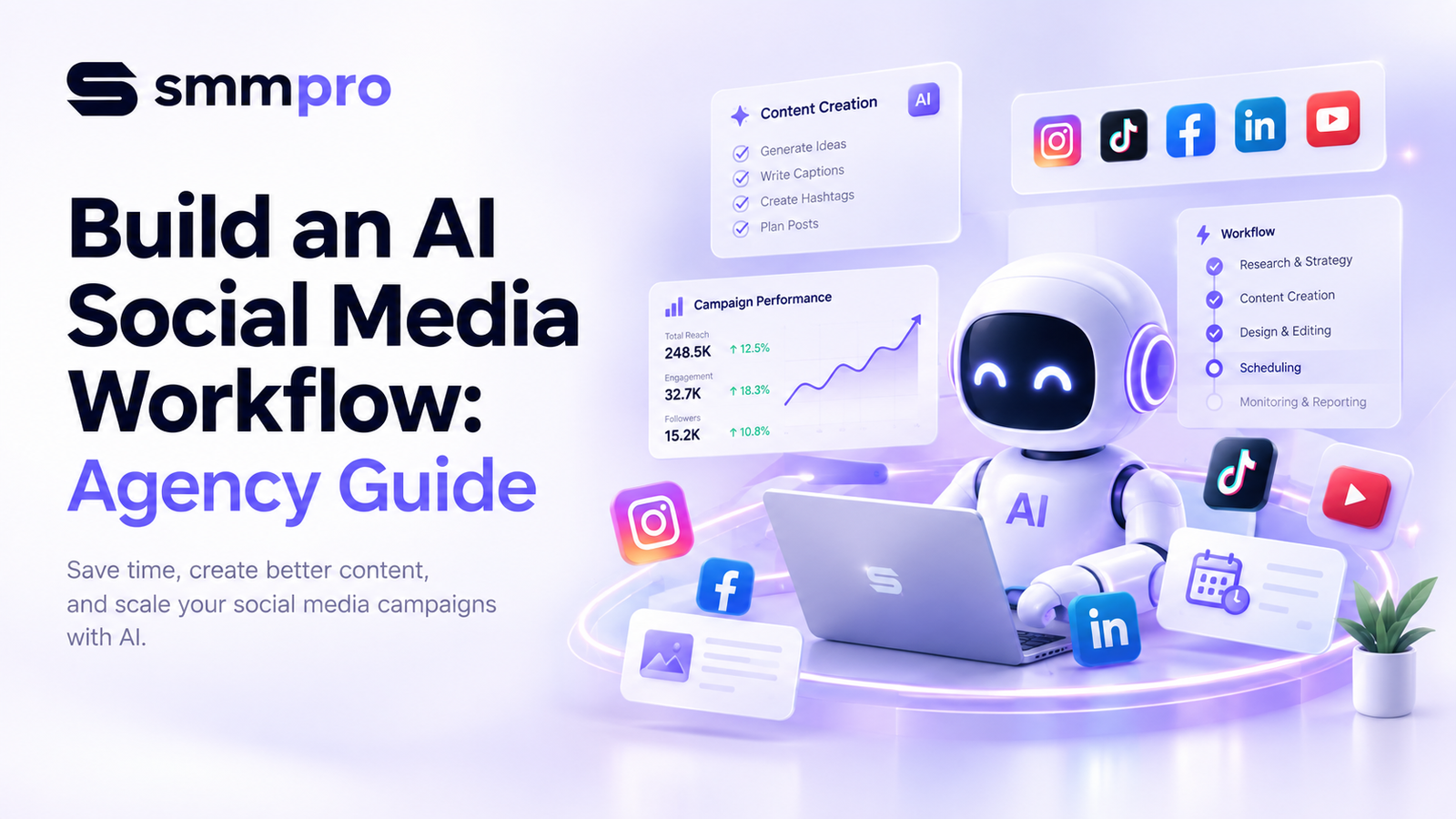
Managing social media for multiple clients is an ongoing test of speed and consistency. Agency teams spend countless hours brainstorming topics, writing captions, resizing visual assets, and chasing client approvals. As client rosters expand, standard manual processes quickly lead to burnout, missed deadlines, or declining content quality.
Integrating a systemized AI social media workflow transforms how modern digital agencies operate. By leveraging artificial intelligence across ideation, content creation, scheduling, and analytics, an AI marketing automation agency can increase content output while protecting profitability.
However, automation should never replace strategic human direction. The primary goal of a modern workflow is not to produce cheap, mass-generated content. Instead, it aims to eliminate repetitive operational tasks so your strategists can focus on creative direction and business growth.
This guide breaks down step-by-step how to automate social media with AI, ensuring your agency delivers high-performing, multi-channel campaigns with speed and precision.
Why Digital Agencies Need an AI Social Media Workflow
Scaling a traditional social media agency requires hiring more content creators, designers, and community managers for every new account. This linear scaling model quickly compresses profit margins.
Implementing the best AI workflow for digital marketing offers immediate operational advantages:
Operational Efficiency: Reduces repetitive content creation time by up to 60%.
Scalable Output: Turn a single long-form video or blog post into 15+ multi-platform micro-assets within minutes.
Predictable Delivery: Systemized automation prevents missed posting schedules across various time zones.
Higher Profit Margins: Allows agencies to manage more client accounts without overworking creative teams.
Core Pillars of an Agency AI Automation Stack
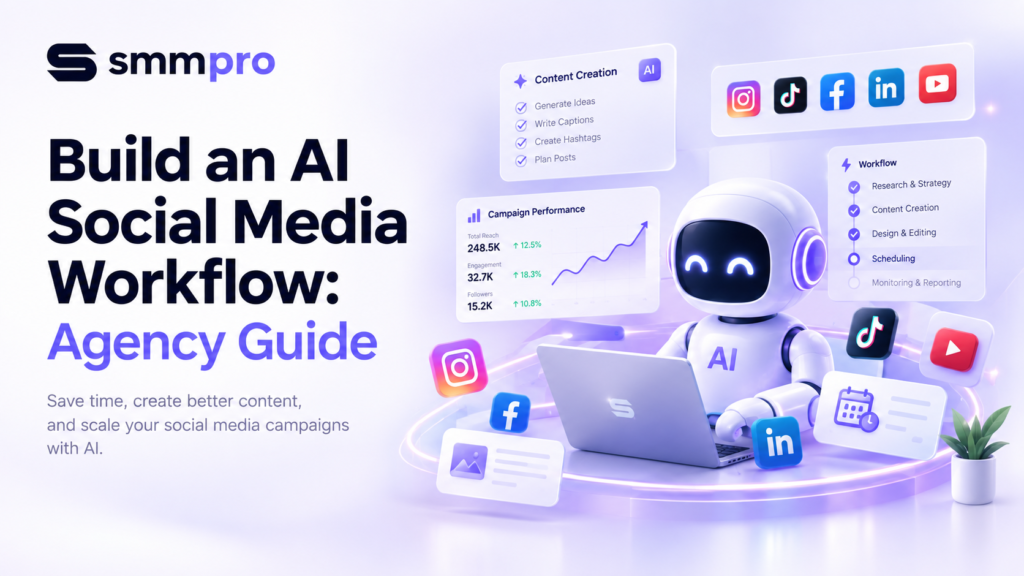
A complete AI social media system requires four core operational layers:
[ Research & Strategy ] ➔ [ Generation & Formatting ] ➔ [ QA & Client Approval ] ➔ [ Distribution & Analytics ]
Research & Ideation Layer: AI scrapers and language models extract industry trends, audience questions, and competitor gaps.
Creation & Repurposing Layer: Generative AI tools draft platform-tailored copy, short-form scripts, and visual creatives.
Quality Assurance & Client Layer: Portals where human strategists refine content and clients click to approve assets.
Distribution & Analytics Layer: Scheduling engines publish content automatically and compile monthly reporting metrics.
Step-by-Step: How to Build Your AI Social Media Workflow
Step 1: AI-Powered Research & Audience Sentiment Analysis
High-performing content starts with deep market research. Instead of spending hours scouring forums, use large language models (LLMs) and social listening tools to identify exact audience pain points.
Feed industry transcripts, customer reviews, or Reddit threads into an LLM.
Ask the tool to extract common objections, frequently asked questions, and emotional triggers.
Generate a list of core content pillars customized for each client persona.
Pro Tip: Prompt your research tool with: “Act as a social media strategist for [Industry]. Analyze the following customer feedback and identify 5 core pain points that can be turned into short video hooks.”
Step 2: Designing a Social Media AI Content Calendar
Once research is complete, populate your social media AI content calendar. A well-structured calendar keeps ideation aligned with commercial goals.
+------------------+---------------------+-----------------------+---------------------+
| Content Pillar   | Platform Target     | Primary Hook          | AI Production Tool  |
+------------------+---------------------+-----------------------+---------------------+
| Case Study       | LinkedIn / X        | "How we scaled..."    | ChatGPT / Claude    |
| Product Tutorial | Instagram / TikTok  | "Stop making this..." | Opus Clip / Canva   |
| Industry News    | Facebook / Threads  | "3 updates coming..." | Perplexity AI       |
+------------------+---------------------+-----------------------+---------------------+
Program your calendar database (e.g., Notion, Airtable, or ClickUp) to generate topic prompts based on monthly marketing themes.
Auto-assign content formats (Carousels, Reels, Text Threads) to ensure balance across platforms.
Step 3: Multi-Format Copywriting & Asset Generation
Copying generic text straight out of an AI prompt leads to flat, uninspiring social media posts. The solution lies in customized prompt chains and brand voice guidelines.
Developing Custom Brand Voice Libraries
Create a master prompt document for each client that defines:
Tone descriptors (e.g., authoritative, direct, humorous, empathetic).
Target reading level (e.g., 7th-grade readability).
Words to use vs. buzzwords to strictly avoid.
Example posts that perfectly represent the ideal brand tone.
Content Repurposing Pipeline
Input a YouTube video transcript or blog post into an AI tool.
Generate 3 distinct LinkedIn text posts targeting B2B leads.
Extract 5 engaging quotes formatted for Instagram carousels.
Write a 30-second vertical video script with explicit visual cues for TikTok.
Step 4: Establishing Human-in-the-Loop QA Protocols
Automated systems need human oversight. The “Human-in-the-Loop” (HITL) step ensures everything published meets client brand standards and regulatory guidelines.
Fact-Checking: Verify all statistics, claims, and external references cited by AI.
Tone Adjustment: Remove repetitive phrases, generic AI transitions, and robotic sign-offs.
Visual Review: Inspect AI-generated artwork for odd artifacts, awkward cropping, or inaccurate text overlays.
Step 5: Client Approvals & Automated Distribution
Bottlenecks frequently happen during client sign-offs. Simplify client social media automation using streamlined approval interfaces.
Automatically push finalized drafts into an agency approval portal (like Planable, Gain, or Metricool).
Set up automated email or Slack notifications alerting the client that weekly content is ready for review.
Once approved by the client, trigger auto-publishing via platform APIs across LinkedIn, Facebook, Instagram, TikTok, and X.
Step 6: Automated Analytics & Performance Reporting
End the month without spending days building manual PDF reports.
Connect social platforms directly to automated reporting dashboards like Looker Studio or AgencyAnalytics.
Use AI analytics tools to scan monthly engagement metrics and generate summary highlights.
Include direct recommendations for next month’s calendar based on top-performing content types.
Comparing the Best AI Tools for Social Media Management
| Tool Category | Recommended Tools | Primary Function in Workflow | Ideal For |
|---|---|---|---|
| Research & Strategy | Perplexity AI, ChatGPT, Claude | Audience insight extraction, topic research, outline creation | Strategy Teams |
| Copywriting | Jasper AI, Copy.ai, Writer | Multi-channel social copy, brand voice customization | Content Writers |
| Video Processing | Opus Clip, Descript, HeyGen | Auto-clipping, subtitling, AI avatar video creation | Video Editors |
| Design & Assets | Midjourney, Canva Magic Studio | Background removal, graphic generation, carousel layouts | Designers |
| Publishing & CRM | Metricool, Sprout Social, Buffer | Scheduled distribution, unified inbox, client reporting | Account Managers |
Expert Tips for Maintaining Brand Voice Across Clients
Maintain a “Negative Word List”: Instruct AI never to use words like delve, game-changer, revolutionary, landscape, robust, or tapestry.
Feed Real Transcripts: Upload real sales calls or client interview audio to train models on authentic speech patterns and phrasing.
Establish Formatted Templates: Design fixed design frames and text structures so visual content stays visually consistent.
Use Few-Shot Prompting: Always provide 2–3 examples of high-performing past posts inside your creation prompt.
Common Pitfalls in Client Social Media Automation
Avoid these operational traps when automating client work:
100% Unattended Automation: Publishing raw AI output directly to client channels without human editing destroys trust and brand reputation.
Platform Homogenization: Posting identical text and formatting across LinkedIn, TikTok, and X fails because each platform demands unique style nuances.
Ignoring Real-Time Events: Leaving automated schedules running during global crises or major breaking news can cause brand PR issues.
Neglecting Community Engagement: AI can assist in drafting replies, but genuine community management requires real human empathy and interaction.
Case Study: How a Mid-Sized Agency Saved 25 Hours Weekly
The Challenge
A digital marketing agency managing 12 active client accounts was struggling to keep up with short-form video demands and multi-channel posting schedules. Content teams spent over 40 hours per week on manual caption writing, video clipping, and manual posting.
The AI Workflow Solution
The agency built an integrated pipeline:
Long-form client podcasts were processed through Descript and Opus Clip to auto-generate short vertical reels.
Short video transcripts were fed into customized Claude brand voice templates to write platform-tailored captions.
Assets were pushed automatically into Metricool for client review and auto-scheduling.
The Results
Time Saved: Weekly production time dropped from 40 hours down to 15 hours.
Output Increase: Total weekly social posts across all 12 clients increased by 140%.
Profitability: Client retention improved by 22% due to consistent, on-time delivery.
Conclusion
Building a streamlined ai social media workflow is no longer just an optional convenience—it is essential for modern agencies aiming to scale profitably. By systematically automating research, initial drafting, and multi-channel scheduling, your creative team can spend less time on repetitive execution and more time driving strategic growth.
Start by upgrading one step in your current process today. Implement a structured prompt library or adopt an automated video clipping workflow, refine your quality control process, and scale your client operations with confidence.
FAQ
FAQs about How to Build an AI Social Media Workflow for Agencies
An AI social media workflow is a systemized process that uses artificial intelligence tools to research, write, design, schedule, and analyze social content with minimal manual effort. Instead of performing every task manually, agency teams use AI to handle repetitive ideation and drafting while human strategists manage quality control and brand strategy.
You maintain brand voice by creating dedicated client prompt guidelines that specify tone descriptors, target reading levels, example posts, and negative word lists. Never publish raw AI outputs directly; always pass content through a human strategist who refines phrasing, verifies facts, and ensures alignment with the client’s brand guidelines.
You automate client social media approvals by integrating your content pipeline with specialized approval portals like Metricool or Planable. Once AI tools generate content and human editors finalize drafts, the system automatically sends a secure preview link to the client, triggering auto-publishing across social channels as soon as they approve.
No, social media platforms do not penalize content simply because it was created using AI tools. Algorithms prioritize user engagement, watch time, relevance, and value rather than production methods. However, generic or low-quality AI posts will naturally perform poorly if they fail to engage human audiences.
Agencies typically save 40% to 60% of their content production time by implementing structured AI workflows. This operational efficiency allows teams to handle double or triple the client workload without hiring additional staff, directly increasing profitability and reducing operational overhead.
The best AI tools for building content calendars include ChatGPT and Claude for topic ideation, Notion AI or Airtable AI for auto-populating calendar databases, and Perplexity AI for trend research. Combining these tools allows agencies to quickly organize posts around core monthly marketing pillars.
Agencies automatically repurpose long videos by feeding transcripts or full MP4 files into AI video processors like Opus Clip or Descript. These platforms identify key hooks, extract 30-to-60-second clips, crop frames for vertical layouts, and generate auto-captions with minimal manual editing.
Human-in-the-loop QA serves as the mandatory quality gate where experienced editors review, fact-check, and refine AI-generated assets before publication. This step prevents hallucinated facts, awkward visual artifacts, and robotic phrasing from reaching client accounts, protecting both client brand authority and agency reputation.
Multi-channel strategies across LinkedIn, Instagram, TikTok, Facebook, and X benefit the most from AI workflows. Because each network requires different post formats and image ratios, AI tools excel at quickly adapting a single core message into platform-tailored text, short videos, and carousel graphics.
Agencies transition by auditing their existing workflow, identifying time-consuming bottlenecks, and introducing AI tools one step at a time—starting with research and copywriting. For a faster transition, agencies can partner with specialized digital marketing partners like SMMpro to implement ready-to-scale AI automation frameworks.