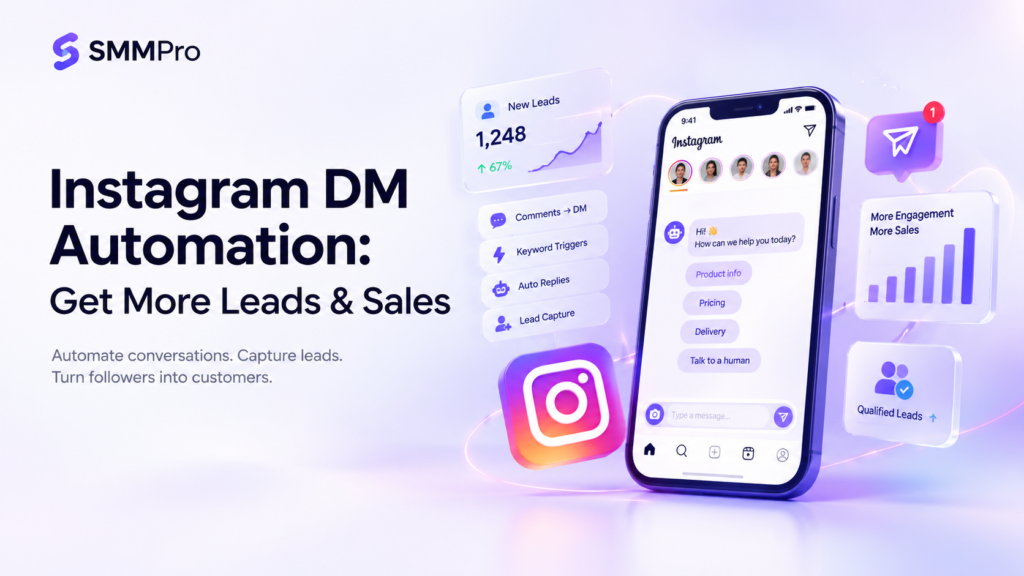

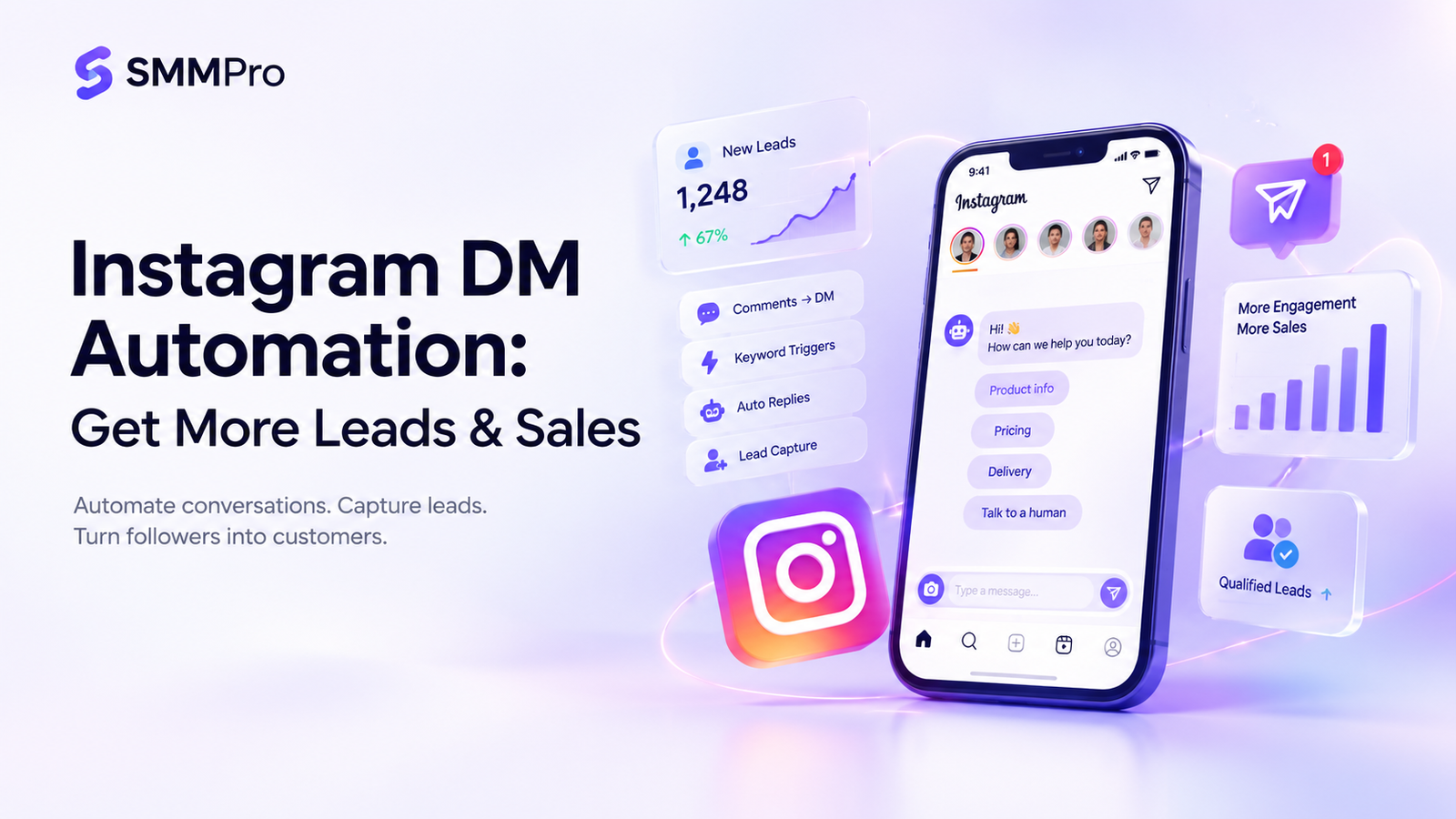
Instagram is a valuable platform for businesses, but replying to every customer message manually can take hours. Customers often ask about prices, products, delivery, or services. When replies are delayed, potential buyers may lose interest.
Instagram DM automation helps businesses respond faster, answer frequently asked questions, capture leads, and guide customers toward purchases using automated messages and workflows.
In this guide, you’ll learn how to automate Instagram DMs, choose suitable tools, and use automation to generate leads and support sales.
What Is Instagram DM Automation?
Instagram DM automation uses Instagram’s available business features or compatible third-party tools to send automatic direct messages and manage conversations.
For example, a jewelry store can configure an automated response when a customer asks about a product’s price. The reply can provide pricing, product details, or ordering instructions.
Depending on account eligibility, permissions, and the selected tool, automation can help businesses:
Answer frequently asked questions.
Send welcome messages.
Respond to eligible comments through DMs.
Collect information from potential customers.
Share product links and booking details.
Direct complicated inquiries to human support.
Why Is Instagram DM Automation Important?
Automation helps businesses manage repetitive conversations while giving customers quicker access to useful information.
| Benefit | How It Helps |
|---|---|
| Faster replies | Customers receive information without unnecessary delays. |
| Lead generation | Businesses can identify and qualify interested prospects. |
| FAQ automation | Common questions about prices and delivery receive consistent answers. |
| Sales support | Customers can find products, booking links, and ordering instructions. |
| Time savings | Teams spend less time answering repetitive questions. |
| Better organization | Businesses can manage inquiries through structured workflows. |
Automation does not guarantee increased sales. Results depend on customer interest, message quality, product value, and the overall buying experience.
How to Set Up Instagram DM Automation
Follow these beginner-friendly steps to create your first workflow.
Step 1: Check your account. Review your Instagram account type and available messaging features. Advanced automation may require a professional account and an eligible integration.
Step 2: Choose a tool. Native Meta features may be sufficient for basic messaging, while third-party platforms can support more advanced workflows.
Step 3: Connect your account securely. Follow the provider’s official authorization process and review the permissions requested.
Step 4: Create an automated reply. Start with a common question, such as product pricing or delivery information.
Example:
“Hi! Thanks for messaging us. 😊 Would you like to know our prices, delivery details, or how to place an order?”
Step 5: Configure triggers. Where supported, set up keyword-triggered messages or comment-to-DM workflows.
Step 6: Qualify leads. Ask relevant questions about the customer’s needs before recommending a product or service.
Step 7: Test the workflow. Check that messages, buttons, links, and triggers work correctly before launching.
Remember that available features depend on your account, selected tool, and Meta’s current messaging policies.
Best Instagram DM Automation Tools
Different tools suit different business needs. Compare features and current plan limits before choosing.
| Tool | Best For | Main Capabilities |
|---|---|---|
| Manychat | Creators and small businesses | Supported comment-to-DM workflows, keyword triggers, and lead capture. |
| Chatfuel | Businesses using chatbots | Conversational automation and customer inquiries, depending on available features. |
| respond.io | Teams managing conversations | Shared inboxes and messaging workflows, depending on integrations. |
| Meta Business Suite | Businesses starting with native tools | Managing supported Instagram and Facebook business messages. |
Manychat offers a free plan with limitations, while paid options provide additional capabilities. Check its official pricing page for current details.
Which should you choose? Consider Manychat for eligible comment-triggered campaigns, Meta Business Suite for basic business communication, or a team-focused platform when multiple employees need to manage inquiries. Verify Instagram compatibility before subscribing.
5 Instagram DM Automation Strategies for Leads and Sales:
1. Turn Comments Into Conversations
Invite people to comment on a Reel to request useful information. If your tool supports the workflow, it can send an appropriate DM.
Example: “Comment GUIDE to receive our free marketing checklist.”
Use this approach for product launches, educational content, and lead magnets.
2. Welcome Customers
Create a friendly opening message for eligible conversations.
Example: “Welcome! What can we help you with today: pricing, product recommendations, or delivery information?”
This is useful for businesses receiving frequent inquiries.
3. Qualify Potential Leads
Ask a few simple questions to understand what the customer needs.
For example, a marketing agency might ask whether someone needs SEO, paid advertising, or social media management before sharing relevant service information.
4. Automate Product FAQs
Answer repetitive questions about prices, availability, delivery, and ordering.
Example: “This necklace costs PKR 700. Would you like to know more about the product or how to order?”
Keep prices and stock information accurate, and refer uncertain questions to a human.
5. Guide Interested Customers Toward the Next Step
Share booking links, product pages, or ordering instructions when relevant. Follow-up messages must respect applicable messaging permissions and platform rules. Never assume that one interaction permits unlimited promotional messages.
Example: Turning an Instagram DM Into a Sale
Consider a hypothetical jewelry business using automation to manage product inquiries.
| Stage | Customer Journey |
|---|---|
| 1. Interest | A customer comments “PRICE” on a necklace Reel. |
| 2. Automated reply | An eligible workflow sends product details and the current price. |
| 3. Product inquiry | The customer asks about delivery. |
| 4. Human assistance | A team member confirms availability and answers additional questions. |
| 5. Purchase | The customer decides whether to place an order. |
This illustrative workflow can reduce repetitive work and make purchasing information easier to access. It does not guarantee a sale.
Instagram DM Automation Best Practices
Follow these practices to create useful customer experiences:
Personalize replies: Match responses to the product or question.
Keep messages short: Make the next step easy to understand.
Use clear calls to action: Guide customers toward relevant links or options.
Provide human support: Escalate complaints and complex questions.
Test regularly: Check triggers, buttons, and links.
Respect platform rules: Use supported integrations and avoid spam-like messaging.
Avoid irrelevant replies, excessive follow-ups, broken links, and outdated product information.
How to Measure Results:
Track meaningful outcomes instead of focusing only on the number of automated messages.
| Metric | Purpose |
|---|---|
| Conversations started | Measures incoming engagement. |
| Qualified leads | Tracks suitable potential customers. |
| Link clicks | Shows interest in shared resources. |
| Bookings or purchases | Measures completed actions. |
| Conversion rate | Calculates the percentage of leads who convert. |
For example, if 100 qualified leads generate 12 purchases, the conversion rate is:
Conversion rate = (12 ÷ 100) × 100 = 12%
Compare results over consistent periods to understand whether your workflow is helping your business.
Conclusion:
Instagram DM automation helps businesses manage inquiries, answer common questions, qualify leads, and guide customers toward purchases. Start with one repetitive task, test your workflow, and expand it based on measurable results.
Combine automation with accurate information and human support to create better customer experiences.
Explore SMMPro’s resources on social media marketing, lead generation, and marketing automation to discover more ways to grow your business online.
Frequently Asked Questions:
What is Instagram DM automation?
It uses native features or compatible tools to automate direct messages, answer FAQs, and guide customer conversations.
How do I automate Instagram DMs?
Choose a supported feature or tool, connect your account securely, configure replies and triggers, and test the workflow.
Is Instagram DM automation free?
Some native features and third-party tools offer free options, but capabilities and usage limits vary by provider and plan.
What is the best Instagram DM automation tool?
Manychat is worth considering for supported comment-to-DM workflows and lead capture. Your ideal tool depends on your needs and budget.
Can Instagram automatically reply to comments?
Compatible third-party tools can automate certain comment-related workflows, subject to account eligibility and platform restrictions.
Is Instagram DM automation safe?
It can be appropriate when you use supported integrations, protect account access, and follow Meta’s messaging policies.