Managing multiple social platforms manually often feels like running on a treadmill set to full speed. Between coming up with fresh topics, drafting engaging captions, selecting hashtags, and keeping a steady publishing cadence, creative burnout can set in fast.
That is precisely where an AI social media content calendar transforms your workflow.
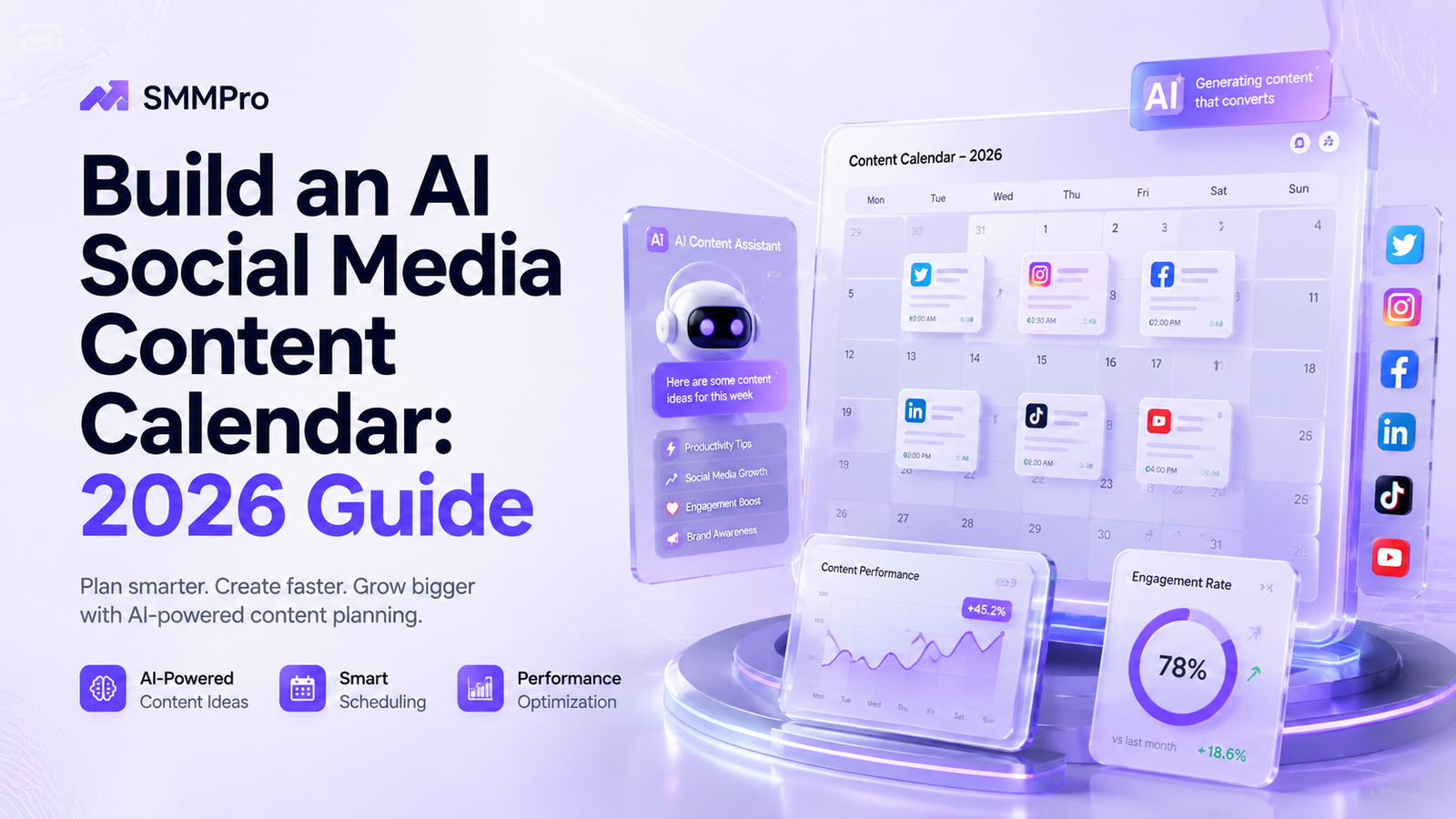
By combining artificial intelligence with systematic planning, marketers, agency teams, and solo creators can plan, write, and organize months of posts in hours rather than days. AI does not replace your human creative touch—it amplifies it. From generating endless content ideas to filling out a structured social media content calendar template, intelligent tools eliminate the friction from daily content creation.
In this step-by-step guide, you will learn how to build a high-performing AI social media content calendar using both free and paid software, optimize your AI marketing workflow, and leverage prompts to streamline your publishing pipeline.
What Is an AI Social Media Content Calendar?
An AI social media content calendar is a centralized system that uses artificial intelligence to assist in brainstorming, writing, organizing, and scheduling social media posts across platforms like LinkedIn, Instagram, X (Twitter), TikTok, and Facebook.
Unlike traditional spreadsheets that only hold text and publish dates, an AI-driven calendar actively helps you populate the schedule. It connects topic ideation, caption generation, visual prompting, and timing optimization into a single fluid workspace.
+-----------------------------------------------------------------------+
|                 AI SOCIAL MEDIA CONTENT CALENDAR                      |
+-----------------------------------------------------------------------+
|  [ Ideas & Pillars ]  ==>  [ AI Drafting & Prompts ]                  |
|  Topic Generation         Captions, Hashtags, Hooks                   |
|                                     ||                                |
|                                     \/                                |
|  [ Publishing ]       <==  [ Calendar & Review ]                      |
|  Auto-Scheduling          Human Editing & Visuals                     |
+-----------------------------------------------------------------------+
Traditional vs. AI-Powered Content Calendars
| Feature | Traditional Calendar | AI-Powered Content Calendar |
|---|---|---|
| Idea Generation | Manual brainstorming sessions | Instant social media content ideas using AI prompts |
| Caption Writing | Written individually from scratch | Bulk drafts generated in your brand voice |
| Asset Organization | Manual file uploads and copy-pasting | Integrated text, image prompts, and status tags |
| Timing & Optimization | Manual guess or fixed schedule | AI-recommended posting times by channel |
| Creation Speed | 10–15 hours per month | 2–3 hours per month |
Why Integrate AI Into Your Social Media Planning?
Switching to content planning with AI provides immediate operational advantages for teams of any size:
Eliminate Writer’s Block: AI engines generate dozens of hooks, angles, and post formats in seconds.
Maintain Consistency: A full calendar prevents gaps in your posting schedule when busy work takes over.
Cross-Platform Adaptation: Turn a single blog post or video into tweets, LinkedIn carousels, and Instagram captions automatically.
Data-Driven Topics: Many AI tools analyze broad engagement trends to suggest post topics that hit audience pain points.
Smoother Collaboration: Keeping everything inside an AI content calendar tool keeps writers, designers, and managers aligned.
Step-by-Step Guide to Creating an AI-Powered Content Calendar
Building a reliable schedule requires a clear balance between automated output and human direction. Follow these five steps to set up your system.
  Step 1: Define Pillars & Goals
        │
        ▼
  Step 2: Generate Topics with AI
        │
        ▼
  Step 3: Draft Copy & Formats
        │
        ▼
  Step 4: Edit & Add Visuals
        │
        ▼
  Step 5: Schedule & Automate
Step 1: Define Your Core Content Pillars
AI tools need clear parameters to produce relevant output. Establish 3 to 5 core pillars that represent your brand message. For example:
Educational: How-to guides, industry tips, tutorials.
Social Proof: Case studies, client testimonials, results.
Behind-the-Scenes: Team culture, product development, company news.
Engagement: Polls, questions, trending debate topics.
Step 2: Use AI to Generate Topic Clusters
Input your content pillars into your chosen AI assistant to generate specific post titles for the month. Instead of asking for generic topics, prompt the tool to address specific target buyer personas and their key challenges.
Step 3: Draft Captions and Hooks in Bulk
Once your topic titles are mapped to specific dates, use an AI social media planner to draft initial copy. Ask the AI for multiple hook variations per topic so you can select the strongest entry line for each post.
Step 4: Human Edit and Asset Alignment
Never post raw AI text without review. Refine the copy to match your exact voice, verify facts, add links, and pair each post with strong visual assets (photos, videos, or graphics).
Step 5: Load into Your AI Content Scheduling Tool
Import your reviewed copy and assets into your scheduling platform. Set auto-publishing parameters so your posts go live automatically at peak activity windows.
Top Free & Paid AI Content Calendar Tools Compared
Selecting the right software depends on your budget, team size, and workflow preference. Below is a comparison of top solutions.
| Tool Name | Type | Pricing Tier | Best For | Key AI Feature |
|---|---|---|---|---|
| Notion AI | Workspace / Calendar | Free plan; $10/mo add-on | Customizable workflows | Direct page text generation & status tracking |
| Buffer (with AI Assistant) | Scheduler / Planner | Free plan; Paid from $6/channel | Simple social publishing | Built-in caption rewriter & post ideas |
| ClickUp AI | Project Management | Free trial; Paid from $7/mo | Complex team campaigns | Task automation & document drafting |
| Hootsuite (OwlyWriter AI) | All-in-One Management | Paid from $99/mo | Enterprise & agencies | Instant caption generation from URLs |
| Lately AI | Analytics & Re-purposer | Paid enterprise plans | High-volume content teams | Converts long-form videos/blogs into social posts |
| ChatGPT (Plus/Free) | Prompt Assistant | Free; $20/mo for GPT-4o | Custom prompt workflows | Flexible bulk calendar generation |
Detailed Tool Breakdown
1. Notion AI (Best for Flexible Custom Templates)
Notion offers an ideal canvas for building a personalized social media content calendar template. With Notion AI integrated into database pages, you can write prompts inside table properties to auto-generate post drafts, summarize research notes, and update publishing status indicators automatically.
Pros: Highly customizable, clean database views (Kanban, Calendar, Table), easy collaboration.
Cons: Requires initial setup time to build custom templates.
2. Buffer with AI Assistant (Best for Small Teams & Beginners)
Buffer combines simple schedule management with a contextual AI assistant. You can store draft ideas in your queue, ask the AI to rephrase copy for specific channels, and schedule directly to your social profiles.
Pros: Excellent free tier, clean visual calendar, intuitive mobile app.
Cons: Advanced analytics require upgraded paid plans.
3. Hootsuite OwlyWriter AI (Best for Marketing Agencies)
OwlyWriter AI is designed specifically for social media managers who need fast results. It generates platform-specific content based on web links, trending topics, or simple text prompts, and plugs those drafts directly into Hootsuite’s multi-channel calendar.
Pros: Robust enterprise features, deep analytics integration, automated best-time-to-post algorithms.
Cons: Higher starting price point compared to standalone planners.
How to Use ChatGPT as an AI Social Media Plannerre
You do not always need dedicated, costly software to organize your schedule. Using a ChatGPT social media calendar workflow is one of the most effective free methods available.
+--------------------------------------------------------------------------------+
|                        CHATGPT CALENDAR PROMPT FLOW                            |
+--------------------------------------------------------------------------------+
|  [ Prompt 1: Context & Pillars ]  ==>  Defines audience, tone, and main themes |
|                                                                                |
|  [ Prompt 2: 30-Day Matrix ]      ==>  Outputs Markdown table (Dates & Hooks)  |
|                                                                                |
|  [ Prompt 3: Caption Expansion ]   ==>  Generates full posts, hashtags & calls   |
+--------------------------------------------------------------------------------+
The 3-Step ChatGPT Prompt Sequence
Prompt 1: Establish Persona and Brand Context
“Act as a senior social media strategist. My business provides [insert product/service] for [target audience]. Our primary tone is [professional/casual/witty]. My main goals are to increase brand awareness and drive website visits. Confirm you understand by listing 4 strategic content pillars tailored for our audience.”
Prompt 2: Generate a 30-Day Content Grid
“Now create a 30-day social media plan presented as a table. Include columns for: Day/Date, Target Platform, Content Pillar, Topic Idea, and Post Format (e.g., Carousel, Short Video, Text Image). Ensure a balanced distribution across all 4 pillars.”
Prompt 3: Bulk Draft Platform Captions
“Take items from Week 1 of the generated grid and write full captions for each. Include an engaging opening hook, clear body copy, relevant emojis, a natural call-to-action (CTA), and 3 to 5 targeted hashtags per post.”
Best Practices for an Efficient AI Marketing Workflow
Integrating software is only half the battle. To keep your output engaging and effective, follow these established rules for your AI content strategy:
           [ Establish Brand Guidelines & Tone Rules ]
                                │
                                ▼
           [ AI Batch Generation (Ideas & Drafts) ]
                                │
                                ▼
          [ Human Review & Voice Customization Pass ]
                                │
                                ▼
         [ Asset Creation & Formatting Optimization ]
                                │
                                ▼
          [ Scheduled Publishing & Live Engagement ]
Maintain Brand Voice Parameters: Document clear rules regarding vocabulary, tone, forbidden words, and sentence length. Feed these guidelines into your AI tools before generating text.
Batch Production Workflows: Generate all post ideas on one dedicated day, edit copy on another, and schedule everything in one session. Batching reduces context-switching fatigue.
Repurpose Top Assets: Input your best-performing long-form blog posts or video transcripts into an AI tool to turn them into bite-sized social posts.
Preserve Human Engagement: Automate planning and publishing, but handle community interaction manually. Respond to comments and messages yourself to build genuine relationships.
Common Mistakes to Avoid with AI Content Strategy
Even experienced digital marketers can fall into traps when scaling up AI content scheduling. Watch out for these common errors:
Publishing Unedited AI Output: Raw AI text often sounds repetitive or generic. Always polish drafts to ensure accuracy and personal tone.
Ignoring Platform Conventions: A LinkedIn post should look and read differently than a TikTok caption or an X thread. Adapt your tone and formatting for each channel.
Focusing Solely on Quantity over Quality: Publishing five low-value AI posts a day will hurt engagement rates more than posting three high-quality, targeted posts per week.
Overlooking Fact Verification: AI engines can occasionally hallucinate statistics or dates. Double-check all facts and data points before hitting publish.
Practical Checklist for AI Social Media Planning
Use this practical checklist every time you prepare your monthly schedule:
[ ] Core brand pillars defined and updated.
[ ] Target buyer persona challenges identified.
[ ] Topic ideas generated and assigned to dates.
[ ] Captions drafted with custom hooks and clear CTAs.
[ ] Visuals (images, graphics, videos) created and paired with copy.
[ ] Fact-checking and brand-voice review completed.
[ ] Hashtags researched and verified for relevance.
[ ] Posts loaded into your scheduling tool with correct post times set.
[ ] Live monitoring scheduled for community comments and responses.