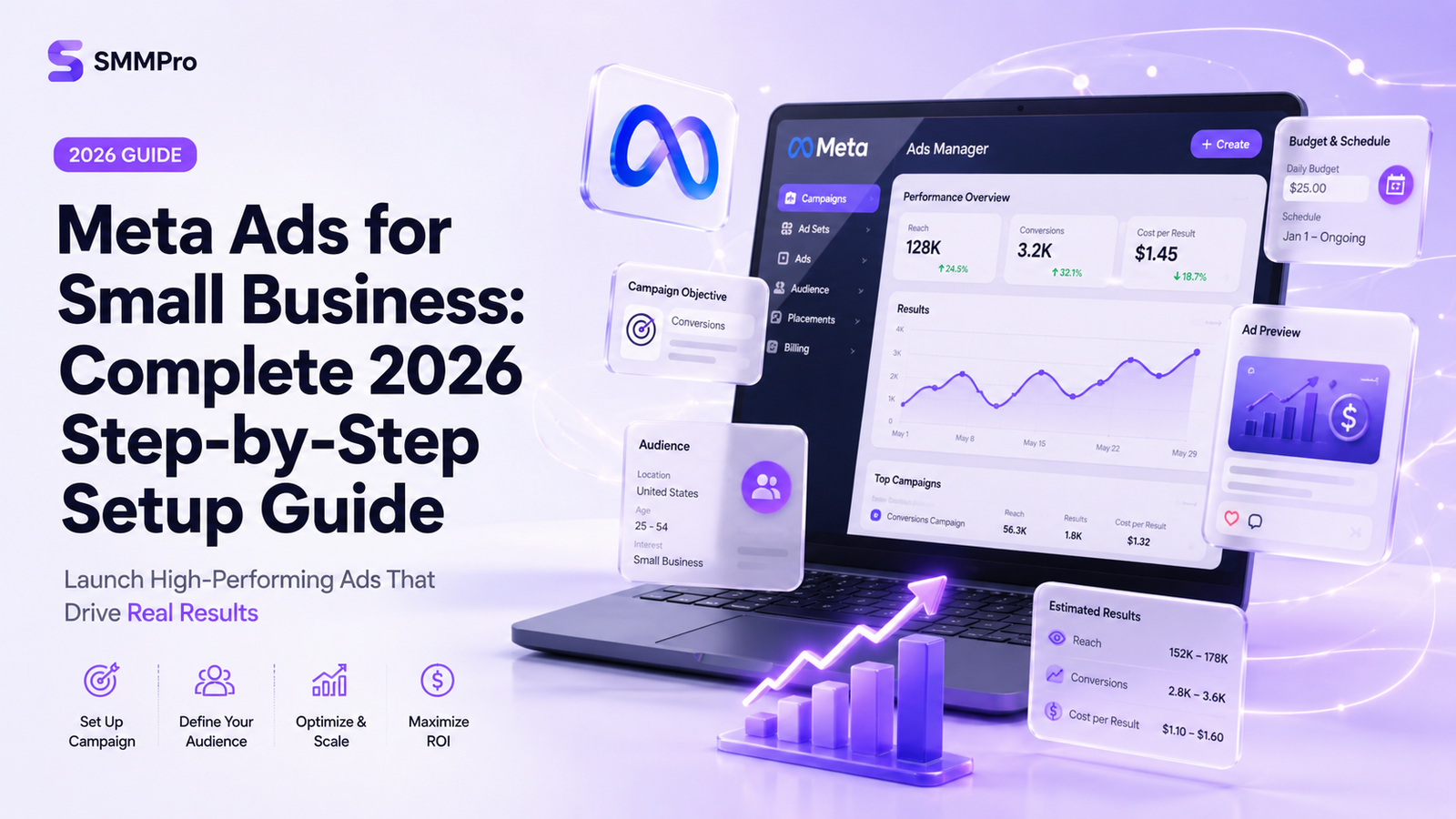
Running Meta ads for small business success no longer requires a massive marketing budget or a dedicated agency. With automated AI tools, Advantage+ placements, and simplified tracking options, small business owners can build, launch, and scale profitable Facebook and Instagram ad campaigns directly from their own desks.
However, the advertising space changes quickly. Outdated strategies from a few years ago can waste your budget fast. This guide breaks down how to set up your account, install modern tracking, structure your budget, build high-converting creatives, and run ads that generate reliable sales and leads in 2026.
Step 1: Meta Ads Manager Setup & Business Portfolio
To run professional campaigns, avoid using the simple “Boost Post” button on Facebook or Instagram. Boosting offers limited targeting, restricts bid strategies, and lacks deep conversion tracking. Proper setup begins inside Meta Business Suite.
[Meta Business Portfolio]
       │
       ├──> [Facebook Page & Instagram Account]
       ├──> [Meta Ads Manager Account]
       └──> [Meta Pixel & Conversions API (CAPI)]
Setting Up Your Account Architecture
Create a Meta Business Portfolio: Go to
business.facebook.comand sign in with your personal Facebook profile. Click Create Account and enter your official business name and email.Connect Your Assets: Navigate to Business Settings. Under Accounts, add your Facebook Page and connect your professional Instagram account.
Create an Ad Account: Under Ad Accounts, click Add > Create a new ad account. Set your correct time zone and local currency.
Configure Payment & Billing: Add a valid credit card or business bank account. Set up spend limits to avoid accidental overspending.
Set Account Roles: Assign yourself as the administrator. If working with freelancers or employees, grant them specific access under Users > People without sharing personal login credentials.
Step 2: Installing Meta Pixel and Conversions API (CAPI)
Accurate data tracking keeps your ad spend efficient. A web browser pixel alone is no longer enough due to ad blockers, cookie deprecation, and mobile privacy settings. A full Meta Ads Manager setup requires pairing the browser Pixel with server-side tracking via the Conversions API.
Browser Pixel vs. Conversions API (CAPI)
Meta Pixel: A code snippet installed on your website that tracks user actions (page views, add to cart, purchases) through web browsers.
Conversions API (CAPI): A server-to-server connection that sends conversion data directly from your website host server to Meta, bypassing browser limitations and ad blockers.
User Action on Website
       │
       ├── Browser Route ──> Meta Pixel ───────┐
       │                                       ├──> Meta Dataset (Deduplicated)
       └── Server Route  ──> Conversions API ──┘
How to Install CAPI Easily
Most major website platforms (Shopify, WooCommerce, WordPress, Squarespace, and Wix) feature native partner integrations.
Go to Meta Events Manager.
Click Connect Data Sources and select Web.
Name your dataset and select Set Up Conversions API.
Select Partner Integration and choose your web platform (e.g., Shopify or WooCommerce).
Follow the automated prompt to log into your platform and turn on Advanced Matching.
This dual setup ensures deduplicated, accurate attribution, helping Meta’s algorithm optimize your campaigns toward customers who actually buy.
Step 3: Developing a Low-Budget Facebook Ads Strategy
A strong Facebook ads strategy small business owners can execute does not require thousands of dollars upfront. Setting a realistic Meta ads budget for beginners allows you to test offers and gather performance data safely.
The $10–$20 Per Day Budget Framework
Divide your daily budget based on a basic sales funnel structure:
Total Daily Budget ($20/day)
   │
   ├── Top of Funnel (TOF) - Cold Audience ──> $14/day (70%)
   └── Bottom of Funnel (BOF) - Retargeting ─> $6/day (30%)
70% Prospecting (Top of Funnel – TOF): $14/day directed at finding brand-new customers who have never interacted with your brand.
30% Retargeting (Bottom of Funnel – BOF): $6/day aimed at website visitors, Instagram engagers, or video viewers who haven’t completed a purchase or lead form.
How to Calculate Your Starting Budget
Base your minimum budget on your target Cost Per Acquisition (CPA):
If your target cost to acquire a customer is $30, run a minimum of $10 per day per ad set. Running campaigns below this threshold extends the time required to pass the algorithm’s learning phase (which requires roughly 50 conversion events per week per ad set).
Step 4: Leveraging Advantage+ Campaigns in 2026
Meta’s artificial intelligence tools have transformed advertising. Understanding Facebook ads for beginners 2026 practices means leaning into automation rather than complex manual audience targeting.
How to Run Facebook Ads Small Business Owners Can Automate
Select Sales or Leads as your campaign objective in Meta Ads Manager.
Choose Advantage+ Shopping Campaign (for e-commerce) or Advantage+ Lead Campaign (for services).
Set your target geographic location (e.g., nationwide or a 15-mile radius around your physical shop).
Leave detailed targeting broad. Allow Meta’s AI to analyze your creative, headline, and text to match your ad with the right prospective buyers automatically.
Step 5: High-Converting Ad Creative and Copywriting
While algorithms handle targeting, your ad creative does the heavy lifting to pull in customers. High-performing ads do not need expensive production teams; authentic, clear messages filmed on a mobile phone regularly outperform slick corporate videos.
Creative Formats That Perform Best
User-Generated Content (UGC): Short videos showing a real customer unboxing, testing, or reviewing your product.
Problem/Solution Videos: A 15-to-30-second clip demonstrating a common customer pain point within the first 3 seconds, followed by your product solution.
Before and After Visuals: Carousel or side-by-side static images displaying clear, transformation-focused results (essential for service businesses like detailing, home cleaning, or landscaping).
Simple Copywriting Framework: Hook, Story, Offer
Use the PAS (Pain, Agitate, Solution) model to write high-converting ad copy:
Hook (Pain): Tired of garden tools that rust after one season?
Agitate: Buying cheap replacements every spring wastes money and ruins your weekend projects.
Solution (Offer): Our stainless steel garden kit comes with a lifetime guarantee. Order today and receive 15% off your first set + free shipping!
Real-World Case Study: $15/Day Campaign Success
A local home-cleaning business wanted to increase recurring bi-weekly bookings without relying solely on word-of-mouth referrals.
Campaign Setup:
$15/Day Budget ──> Advantage+ Leads Objective ──> 15-Mile City Radius ──> Short Video Ad (
Results Over 30 Days
Total Spend: $450
Impressions: 28,400
Leads Generated: 36 quote requests
Cost Per Lead (CPL): $12.50
Converted Clients: 9 recurring bookings
New Monthly Revenue: $2,700
Return on Ad Spend (ROAS): 6x initial outlay
By keeping geographical parameters open, using a quick smartphone video of a kitchen transformation, and letting Meta auto-optimize placements, the business generated consistent weekly leads at an affordable cost.
Step-by-Step Pre-Launch Checklist
Use this checklist before hitting Publish on your first campaign:
[ ] Meta Business Portfolio and Ad Account verified
[ ] Payment method connected and spending limit configured
[ ] Meta Pixel and Conversions API (CAPI) active and verified in Events Manager
[ ] Campaign objective selected (Sales or Leads, not Boost Post)
[ ] Target location set (Local radius or broad national region)
[ ] Daily budget defined ($10–$20 minimum recommended)
[ ] At least 2–3 creative variations uploaded (Image, Video, Carousel)
[ ] Primary text includes clear Hook, Pain Point, Solution, and CTA
[ ] Destination URL double-checked and verified mobile-friendly
Common Meta Ad Mistakes to Avoid
Editing Ads During the Learning Phase: Modifying budgets, creatives, or targeting before an ad set completes 50 optimization events resets the algorithm’s learning process. Allow campaigns to run undisturbed for at least 5 to 7 days.
Turning Off Campaigns Too Quickly: Judging campaign performance after only 24–48 hours leads to premature shutdowns before the AI gathers sufficient conversion data.
Using the Wrong Campaign Objective: Choosing “Traffic” or “Engagement” objectives yields cheap clicks from users who rarely buy. Always choose Sales or Leads if your goal is generating revenue or quotes.
Sending Traffic to a Poor Website: Driving paid traffic to an unoptimized, slow-loading homepage causes high bounce rates. Direct visitors to dedicated, mobile-optimized landing pages with clear calls to action.
Ignoring Ad Fatigue: Running the exact same single image for months eventually lowers performance and increases Cost Per Click (CPC). Refresh your ad creatives every 4 to 6 weeks.
Conclusion
Mastering Meta ads for small business success comes down to solid account setup, proper tracking, clean creative execution, and allowing AI tools to optimize your delivery. By using Ads Manager over basic boosted posts, integrating CAPI tracking, and taking advantage of Advantage+ workflows, you can acquire new customers predictably at a low cost.
Start small with a manageable daily testing budget of $10 to $20, monitor your real cost-per-lead or cost-per-sale inside Events Manager, and scale your budget gradually as your return on investment grows.