

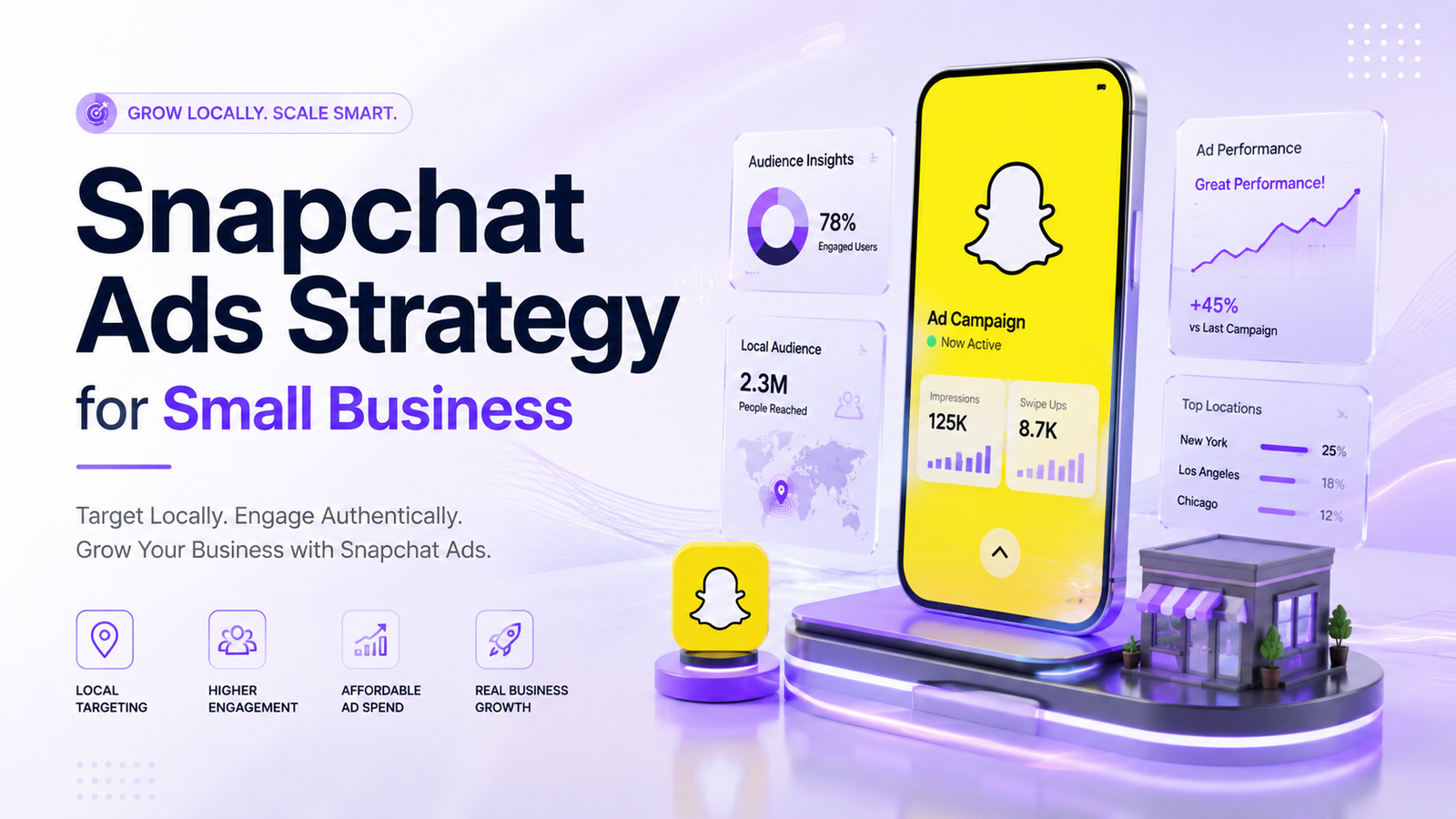
Running ads on Facebook and Instagram feels increasingly expensive for small business owners. Between rising CPMs and saturated feeds, getting a decent return on ad spend often requires a massive budget that most local shops simply do not have. This is where Snapchat enters the picture. While major brands battle for attention on Meta and TikTok, smart local advertisers are quietly tapping into Snapchat’s lower ad costs and highly engaged user base.
If you thought Snapchat was just for teens sending disappearing selfies, it is time to look at the numbers. Over 800 million active users browse the platform monthly, spending an average of 30 minutes every day opening the app. More importantly for local business owners, ad inventory on Snap remains significantly underutilized, resulting in lower costs per click compared to competing social channels.
In this guide, you will learn a practical snapchat ads strategy for small business success. We will cover how to set up hyper-local targeting, build authentic ad creatives on a tight budget, install your tracking pixel, and turn local Snapchatters into paying customers.
Why Snapchat Ads Work for Local Small Businesses
Most small business owners overlook Snapchat because they assume their target market is not using the app. However, demographically, over 75% of 13- to 34-year-olds in over 20 countries use Snapchat regularly. This demographic represents key consumers with active disposable income for local dining, retail, personal care, home services, and online shopping.
Beyond audience size, Snapchat offers local business owners three distinct operational advantages:
Lower Competition: Fewer local competitors run ads on Snapchat compared to Meta. Less competition in the ad auction directly translates to cheaper bids.
Hyper-Local Radius Targeting: You can drop a pin on your storefront and target users within a specific mile radius (as small as 1 kilometer or 0.6 miles).
Immersive Full-Screen Format: Snapchat ads take over the user’s entire mobile screen without competing against surrounding text, comments, or sidebar distractions.
Ad Cost Comparison: Snapchat vs. Meta vs. TikTok
| Platform Metric | Snapchat Ads | Facebook & Instagram Ads | TikTok Ads |
|---|---|---|---|
| Average CPM | $3.50 – $9.50 | $12.00 – $22.00 | $6.00 – $14.00 |
| Average Cost Per Click (CPC) | $0.40 – $0.85 | $1.10 – $2.50 | $0.70 – $1.50 |
| Minimum Daily Budget | $5 per day | $5 per day | $20 per day |
| Local Radius Precision | High (0.6 mile pin drop) | High (1 mile radius) | Medium (DMA / Zip level) |
| Ad Format Engagement | High (Vertical 9:16) | Mixed (Feed / Reels) | High (Vertical 9:16) |
Essential Foundations: Snapchat Pixel Setup Guide
Before launching any campaign, you must track user actions on your website. Without proper conversion tracking, Snapchat’s machine learning algorithm cannot optimize delivery toward high-intent buyers.
Here is a straightforward snapchat pixel setup guide for small business owners:
Step 1: Create Your Snap Pixel
Log into Snapchat Ads Manager.
Click the top navigation menu and select Events Manager.
Click New Event Source and choose Web.
Name your pixel (e.g., [Your Business Name] Web Pixel) and click Create.
Step 2: Install the Pixel Code
Depending on your website platform, choose one of these methods:
E-Commerce Platforms (Shopify, WooCommerce): Install the official Snapchat app or plugin from your store’s app directory. Paste your Pixel ID, and standard conversion events (Page View, Add to Cart, Purchase) will map automatically.
Google Tag Manager (GTM): Add a new custom HTML tag, paste the Javascript snippet generated by Ads Manager, and set the trigger to fire on All Pages.
Direct Code Insertion: Paste the base Javascript code into the
<head>section of your website’s theme file.
Step 3: Verify Event Signals
Download the Snap Pixel Helper extension for Chrome. Navigate to your website, open the extension, and confirm that your base pixel status reads active. Test standard actions like adding an item to your cart or filling out a contact form to ensure event parameters are firing correctly.
Step-by-Step Snapchat Ads Strategy for Small Business
Running successful snapchat ads for local business growth requires a structured execution plan. Follow this four-step roadmap to launch high-ROI campaigns:
1. Define Your Campaign Objective
Inside Snapchat Ads Manager, select Advanced Create to gain full control over targeting and bidding. Choose your objective based on your business model:
Promote Places: Ideal for physical storefronts (restaurants, salons, gyms) wanting foot traffic.
Drive Website Traffic: Great for service providers capturing leads through a booking form.
Website Conversions: Essential for online stores selling products directly.
2. Configure Hyper-Local Targeting
Under the Location targeting settings, select Target Specific Location. You have two options:
Radius Distance: Enter your store’s address, set a pin, and select a radius between 1 and 10 miles depending on how far customers typically travel to visit you.
Postal Codes / Cities: Select specific zip codes surrounding your business location to filter out non-local users.
Combine location filters with basic age and interest targeting. For instance, a local yoga studio might target women aged 21–45 within a 3-mile radius interested in “Health & Wellness.”
3. Choose the Right Ad Formats
Selecting the right ad format keeps cost per acquisition low:
Single Image or Video Ads: The standard vertical ad format appearing between User Stories and Spotlight. Excellent for quick offers and announcements.
Story Ads: Displays a branded tile in the Discover section that opens into a series of 3 to 20 Snaps. Ideal for showcasing a multi-item menu, portfolio, or customer transformation.
Snapchat Dynamic Product Ads: Connect your product catalog to show personalized ads to users based on products they viewed on your website. This format delivers exceptional ROI for local e-commerce stores through automated retargeting.
4. Set Budget and Bidding Options
Start with a daily budget between $15 and $30 per campaign. In the Delivery section, select Auto-Bidding. Auto-bidding allows Snapchat’s algorithm to maximize conversions or clicks within your allocated daily budget while building account history.
Winning Snapchat Ad Creative Examples & Hooks
On Snapchat, polished corporate video ads perform poorly. Snapchatters swipe past anything that looks like a traditional commercial. To hold attention, your creative must look, feel, and sound like native user-generated content (UGC).
Key Ingredients of a High-Converting Snap Ad
Vertical Orientation (9:16): Always shoot in native vertical video.
The 1.5-Second Hook: Grab attention immediately with on-screen text overlays, bold movement, or a direct question.
Sound On: Over 85% of Snapchatters watch content with sound enabled. Use engaging voiceovers, trending audio, or clear spoken dialogue.
Native Aesthetic: Shoot on a smartphone. Minimal edits, authentic lighting, and handheld footage perform better than cinema camera footage.
Clear Call-to-Action (CTA): Tell users exactly what to do next (e.g., “Swipe up to claim your 20% local discount coupon”).
Real-World Creative Examples by Industry
| Business Type | Creative Concept / Hook | Call-to-Action (CTA) |
|---|---|---|
| Local Coffee Shop | “Secret local hack: How to get a free pastry with your morning latte in [City Name].” | “Swipe up to claim your free digital loyalty card!” |
| Auto Detailing Shop | Handheld before-and-after video transforming a muddy SUV. | “Swipe up to book your local spot today!” |
| Boutique E-Commerce | Quick 5-second try-on haul with text overlay: “3 outfits under $50 shipping from [City].” | “Swipe up to shop the new fall collection before it sells out!” |
Expert Tips for Scaling Your Campaign ROI
Once your initial campaign is live, test these optimization strategies to improve performance:
Rotate Creatives Every 10–14 Days: Creative fatigue sets in quickly on Snapchat due to high frequency. Swap out video clips and hooks regularly to prevent rising ad costs.
Leverage Custom & Lookalike Audiences: Upload your existing customer email list or phone directory into Snapchat Audience Manager. Build a 1% to 3% Lookalike Audience to find local users who mirror your best customers.
Combine Story Ads with Single Video Ads: Run Single Video ads for cold audience acquisition, then retarget video viewers with a multi-snap Story ad showcasing customer testimonials and reviews.
Use Strategic Text Overlays: Place key information and discount codes in the upper-middle section of your video, away from Snapchat’s native “Swipe Up” prompt at the bottom.
Common Snapchat Advertising Mistakes to Avoid
Avoid these frequent mistakes that waste ad budget:
Repurposing Landscape or Square Videos: Posting 16:9 widescreen or 1:1 square Facebook ads with black bars looks sloppy and triggers immediate user skips.
Narrowing Audience Size Too Early: In small local markets, setting overly strict demographic or interest filters severely restricts ad delivery. Keep targeting broad and let location boundaries do the work.
Ignoring the Learning Phase: Changing budgets, targeting, or creatives daily resets Snapchat’s optimization algorithm. Let your ad set run undisturbed for at least 5 to 7 days before evaluating metrics.
Sending Traffic to Unoptimized Mobile Pages: Ensure your landing page loads in under two seconds on mobile devices with a prominent click-to-call button or simplified checkout flow.
Conclusion
Building an effective snapchat ads strategy for small business growth does not require massive marketing budgets or complex video production. By taking advantage of low auction competition, precise location targeting, and authentic user-generated style creatives, local businesses can attract steady leads and sales at a lower cost per click than traditional social platforms offer.
Start small by setting up your Snap Pixel, defining a tight 3-to-5 mile radius around your location, and launching a simple 10-second vertical video offer. Monitor your swipe-up metrics, refine your creative hooks, and scale your budget as local customer inquiries convert.
FAQ
FAQs about Snapchat Ads Strategy for Small Business: High-ROI Guide
The absolute minimum daily budget required to run Snapchat ads is $5 per day. While a $5 daily budget allows small businesses to test the platform, allocating between $15 and $30 daily provides enough conversion data for Snapchat’s algorithm to exit the learning phase faster and deliver lower cost-per-click results.
You set up hyper-local radius targeting by opening Snapchat Ads Manager, navigating to the Location targeting menu, and choosing “Target Specific Location”. You can drop a pin directly on your business address and set a perimeter as small as 0.6 miles (1 kilometer), allowing local storefronts to reach nearby mobile users without spending budget on non-local traffic.
To install the Snap Pixel, create a Pixel ID in Snapchat Events Manager and paste the base code into your website’s <head> tag or connect it directly using partner integrations like Shopify or Google Tag Manager. You verify the installation by downloading the Snap Pixel Helper Chrome extension and checking that base events like “Page View” and “Purchase” trigger properly when browsing your site.
Yes, Snapchat Dynamic Product Ads are exceptionally effective for local e-commerce stores because they automatically showcase personalized products to users based on their previous browsing behavior on your website. By syncing your store’s product catalog with Snapchat Ads Manager, you can launch automated retargeting campaigns that drive higher returns on ad spend without manually creating individual ads for every product.
A healthy average cost per click (CPC) for Snapchat traffic campaigns typically ranges between $0.40 and $0.85, while a strong swipe-up click-through rate (CTR) sits between 0.80% and 1.50%. These cost benchmarks make Snapchat ad inventory significantly cheaper per link click than equivalent placements on Facebook and Instagram.
No, small business Snapchat ads do not require expensive professional video production. Authentic, smartphone-shot vertical videos (9:16 aspect ratio) featuring real people, native voiceovers, and immediate visual hooks consistently outperform polished corporate commercials on Snapchat. Users quickly swipe away from polished ads, making low-cost user-generated content (UGC) much more effective.
Local businesses offering visual, impulse-driven, or lifestyle products and services perform best on Snapchat. Top-performing categories include local restaurants, coffee shops, auto detailing shops, beauty salons, boutique retail stores, fitness studios, and event venues targeting consumers aged 13 to 34.
The ideal video length for a Snapchat ad is between 5 and 15 seconds, with your main offer and visual hook delivered within the first 1.5 to 3 seconds. Viewer retention drops sharply after 7 seconds, so keeping ad creatives short, fast-paced, and paired with on-screen text overlays ensures the highest swipe-up completion rate.
Snapchat ad costs are generally 30% to 50% cheaper than Meta (Facebook and Instagram) ads in terms of cost per thousand impressions (CPM) and cost per click (CPC). While Meta provides broader age demographics, Snapchat offers lower auction competition and higher engagement among Gen Z and millennial audiences at a lower acquisition cost.
SMMpro helps small businesses launch profitable Snapchat ad campaigns by managing hyper-local audience targeting, configuring Snap Pixel conversion tracking, designing high-converting 9:16 vertical video creatives, and optimizing daily ad bids. SMMpro’s data-driven approach ensures local businesses maximize foot traffic and online sales while keeping customer acquisition costs low.