

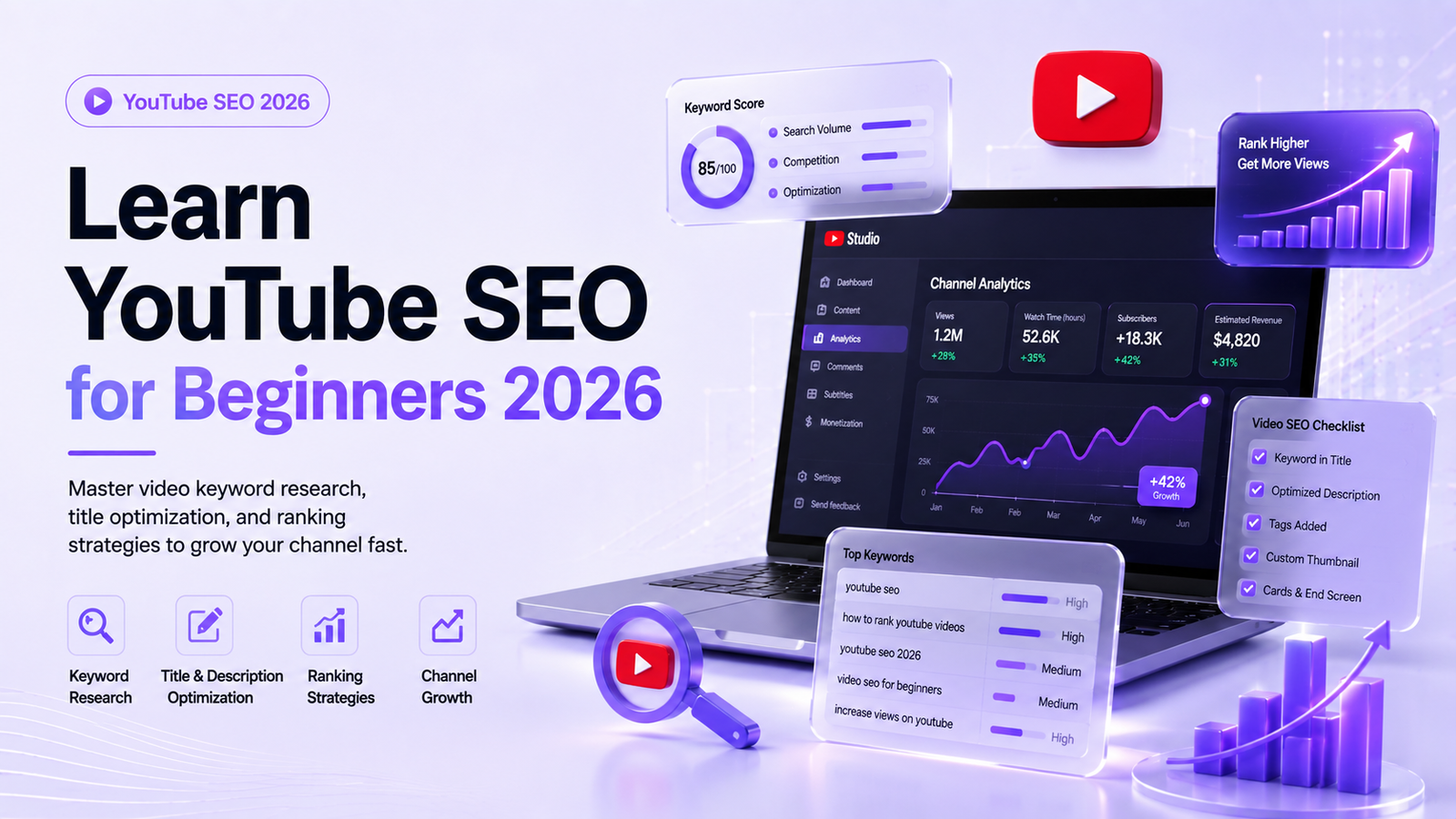
YouTube processes over three billion searches every month, making it the second-largest search engine on the planet. Yet, millions of new creators upload videos daily only to end up with double-digit views. The missing link is rarely video quality alone—it is discovery. Understanding YouTube SEO for beginners 2026 is the most effective way to break through the noise, attract organic views, and convert casual viewers into dedicated subscribers.
Search engine optimization on YouTube is not about gaming an algorithm. It is about helping YouTube’s search system understand your video content so it can serve your uploads to the exact audience searching for them. As the algorithm grows smarter in 2026, combining semantic understanding with user engagement metrics, optimization has shifted from simple keyword tagging to topic authority and user satisfaction.
Whether you are starting a new channel from scratch or struggling to pull your existing videos out of a view drought, this practical guide walks you step-by-step through research, optimization, and retention tactics designed to build lasting channel authority.
How the YouTube Algorithm Ranks Content in 2026
To rank videos effectively, you must understand what YouTube wants. YouTube’s primary goal is simple: keep viewers on the platform for as long as possible so they see ads or purchase subscriptions.
The ranking system relies on two main pillars: Metadata Match and User Engagement Signals.
[ Search Query ] ──► [ Metadata Scan (Title/Description/Transcripts) ]
                           │
                           ▼
               [ Initial Video Serving ]
                           │
                           ▼
          [ Engagement Testing (CTR + Retention + Satisfaction) ]
                           │
                           ▼
              [ Long-Term Ranking Position ]
Metadata Match: Helps the algorithm index your video. YouTube scans your title, description, spoken dialogue, and closed captions to determine what your content covers.
Click-Through Rate (CTR): The percentage of people who click your video after seeing its thumbnail and title in search results or recommendations.
Average Percentage Viewed (Retention): How long viewers stay tuned. A 10-minute video watched for 7 minutes beats a 10-minute video watched for 2 minutes every time.
Session Duration: Does your video lead the user to watch another video, or do they close the app? Videos that prolong site sessions earn higher search placement.
Mastering YouTube Keyword Research for Beginners
Effective optimization starts long before you press record. Conducting systematic YouTube keyword research for beginners ensures you create content that an active audience is already hunting for.
1. Leverage YouTube Auto-Suggest
Start typing your core topic into the YouTube search bar. The predictions that appear are real search queries entered by actual users.
Example: Type
photography tips forinto the search bar, and YouTube might suggest:
photography tips for beginners
photography tips for beginners dark room
photography tips for iPhone 15
These suggestions highlight direct search intent and give you immediate content ideas.
2. Identify Search Volume and Competition
Not all keywords are created equal. High-volume terms like “weight loss” are dominated by mega-channels. As a beginner, look for phrases with moderate search volume and low competition.
Tools like Google Trends (filtered for YouTube Search), TubeBuddy, and VidIQ provide relative search scores to help you spot the best keywords for YouTube growth.
On-Page Video Optimization: Titles, Descriptions, and Metadata
Proper YouTube title and description optimization tells both the algorithm and potential viewers exactly why your video deserves a click.
+-----------------------------------------------------------------------+
| OPTIMIZED YOUTUBE METADATA STRUCTURE                                  |
+-----------------------------------------------------------------------+
| TITLE       : Primary Keyword + Compelling Hook (Under 60 Chars)     |
| DESCRIPTION : First 2 Lines = Core Keyword + Value Proposition        |
| TIMESTAMPS  : 00:00 Intro | 01:30 Setup | 04:15 Advanced Tips         |
| TAGS        : Targeted Phrase, Broad Category, Channel Name           |
+-----------------------------------------------------------------------+
Crafting Clickable Titles
Your title serves a dual purpose: it must satisfy search engines while enticing human curiosity.
Place your primary keyword near the beginning: Aim to put YouTube SEO for beginners 2026 or your chosen keyword within the first 5 words.
Keep it under 60 characters: Titles longer than 60 characters get truncated on mobile screens.
Add a value trigger: Use bracketed qualifiers like
[Step-by-Step],[2026 Guide], or[Full Tutorial]to lift CTR
Structuring Descriptions for Maximum Reach
YouTube provides up to 5,000 characters for video descriptions. Use this real estate wisely:
The First 150 Characters (Above the Fold): This appears in search snippets. Include your primary keyword naturally within the first two sentences.
Detailed Breakdown (200–300 words): Provide a comprehensive summary of what the video covers, integrating secondary terms naturally.
Chapter Timestamps: Add clickable timestamps (
0:00 Intro,2:15 Keyword Tool Setup). This helps Google index your video content into key moments directly on Google Search SERPs.Links and Resources: Add social links, affiliate disclosures, and playlist recommendations near the bottom.
YouTube Tags vs SEO: What Actually Works Now?
A common question among new creators is the role of YouTube tags vs SEO performance.
YouTube officially states that tags play a minimal role in video discovery and are primarily helpful if the content of your video is commonly misspelled.
Official Stance: Metadata priority has shifted heavily toward Video Titles, Descriptions, Spoken Audio Transcripts, and Thumbnail Click-Through Rates.
While tags shouldn’t consume hours of your time, adding 5 to 8 hyper-relevant tags (a mix of your primary keyword, close variations, and broad topic tags) remains good housekeeping practice.
Step-by-Step Guide: How to Optimize YouTube Videos for SEO
Follow this operational workflow every time you upload a new video to maximize its ranking potential.
Step 1: Optimize the Video Raw File Name
Before uploading, rename your video file on your computer. Instead of MOV_0042.mp4, rename it to your main keyword phrase: youtube-seo-for-beginners-2026.mp4. YouTube reads file names upon upload to establish initial topic context.
Step 2: Write Keyword-Rich Spoken Scripts
YouTube automatically transcribes your audio to generate closed captions. Say your primary keyword and key terms naturally out loud within the first 30 seconds of your video. The automated transcript scanner will pickup these audio signals.
Step 3: Design High-Contrast Thumbnails
While not metadata, your thumbnail directly drives CTR—which dictates whether your search ranking holds or drops.
Use readable typography (3 words maximum).
Highlight high-contrast colors (yellow, bright green, white) that stand out against YouTube’s dark/light modes.
Feature expressive human faces or clear close-up subjects.
Step 4: Add Native Closed Captions (SRT Files)
Do not rely solely on auto-generated captions, which often misspell technical industry terms. Upload a corrected .SRT transcript file or manually edit YouTube’s automatic captions. This improves accessibility and provides Google with error-free text to index.
Case Study: Zero to 15,000 Views Using Long-Tail Search
The Strategy: Instead of targeting the competitive query How to Invest Money, the channel targeted a long-tail search string: How to invest $1000 as a student in 2026.
[ New Channel Upload ] ──► [ Targets Long-Tail Query ]
                                  │
                                  ▼
                     [ Ranks #2 in Search Results ]
                                  │
                                  ▼
               [ 15,000 High-Intent Views in 30 Days ]
                                  │
                                  ▼
                    [ 480+ Organic Subscribers ]
The Execution:
Title: How to Invest $1000 as a Student in 2026 [Beginner Guide]
Description: Included precise timestamps detailing index funds, high-yield savings, and budgeting apps.
Retention Strategy: The creator used visual cuts every 5 seconds to hold retention above 55%.
The Result: Within 30 days, the video ranked #2 in YouTube Search for the target query, generating over 15,000 views and converting 480+ organic subscribers—proving that strategic search targeting bypasses the need for an existing follower base.
Practical YouTube SEO Tips 2026 for Engagement and Retention
Discoverability gets viewers to your video; retention keeps them there and prompts YouTube to recommend it further. Use these actionable YouTube SEO tips 2026 to boost user satisfaction signals:
1. The 15-Second Hook Strategy
Skip lengthy channel intros, rotating logos, or long-winded greetings. Start immediately with a clear promise of what the viewer will gain by watching.
Weak Hook: “Hey guys, welcome back to my channel! Before we get started, hit subscribe…”
Strong Hook: “In this video, you are going to learn the exact step-by-step framework to rank your videos on page one of YouTube, even if you have zero subscribers.”
2. Group Videos into Keyword-Focused Playlists
Playlists auto-play your related content, boosting total channel watch time. Name your playlists using target search keywords (e.g., YouTube Marketing for Small Business) rather than vague titles like My Vlogs.
3. Pin Key Comments to Drive Discussion
Post a thought-provoking question in the comments section of your video and pin it to the top. Higher comment volume signals strong viewer engagement to the search algorithm.
10-Point YouTube SEO Checklist for Beginners
Keep this handy checklist open every time you prepare a video for publication:
[ ] Target primary keyword selected via auto-suggest or search tools.
[ ] Raw video file renamed with target search phrase.
[ ] Primary keyword placed in the first 5 words of the title.
[ ] Title character count kept under 60 characters.
[ ] First 150 characters of description summarize the video with key terms.
[ ] Detailed 200+ word description written naturally.
[ ] Chapter timestamps added to description starting at
00:00.[ ] Target keyword spoken aloud within the first 30 seconds of video.
[ ] High-contrast, mobile-friendly custom thumbnail uploaded.
[ ] Video assigned to an optimized, thematic playlist.
Common Mistakes That Hurt Channel Ranking
Avoid these frequent pitfalls that derail video reach:
Keyword Stuffing: Dumping hundreds of disconnected keywords into your description box breaks YouTube’s Terms of Service and harms your readability.
Misleading Clickbait: Using exaggerated titles or thumbnails that do not match video content spikes early drop-offs. If users leave within 10 seconds, your ranking tanks instantly.
Ignoring Video Analytics: Failing to evaluate your Audience Retention reports in YouTube Studio prevents you from discovering where viewers get bored and exit.
Publishing Without Chapters: Omitting timestamps makes it harder for search engines to index specific segments of your video for detailed queries.
Conclusion
Mastering YouTube SEO for beginners 2026 comes down to balancing algorithm metadata requirements with genuine viewer value. Search engine optimization gets your video through the door, but clear pacing, structured answers, and compelling visual delivery keep viewers watching.
Focus your strategy on long-tail search terms, structure your titles and descriptions cleanly, and deliver immediate value in your video hooks. By consistently applying this step-by-step process to every upload, you give your channel the foundation it needs to gain steady search traffic, build topic authority, and achieve sustainable long-term growth.





What do you think?
Thanks for sharing this, it was a genuinely useful read. Appreciate it!